
CubvaPricingBlog
Log inSign up
CubvaCubva

Turn hours of audio and video into accurate, searchable text — built for interviews, meetings, lectures and content.

support@cubva.com

Product

  • Home
  • Pricing
  • Blog

Legal

  • Privacy Policy
  • Terms of Service

© 2026 Cubva. All rights reserved.

MOV to MP3 Converter

Convert audio and video between supported formats in a few steps.

Select a file to convert

to

or drag and drop your file here.

Your file is uploaded securely for server-side conversion.
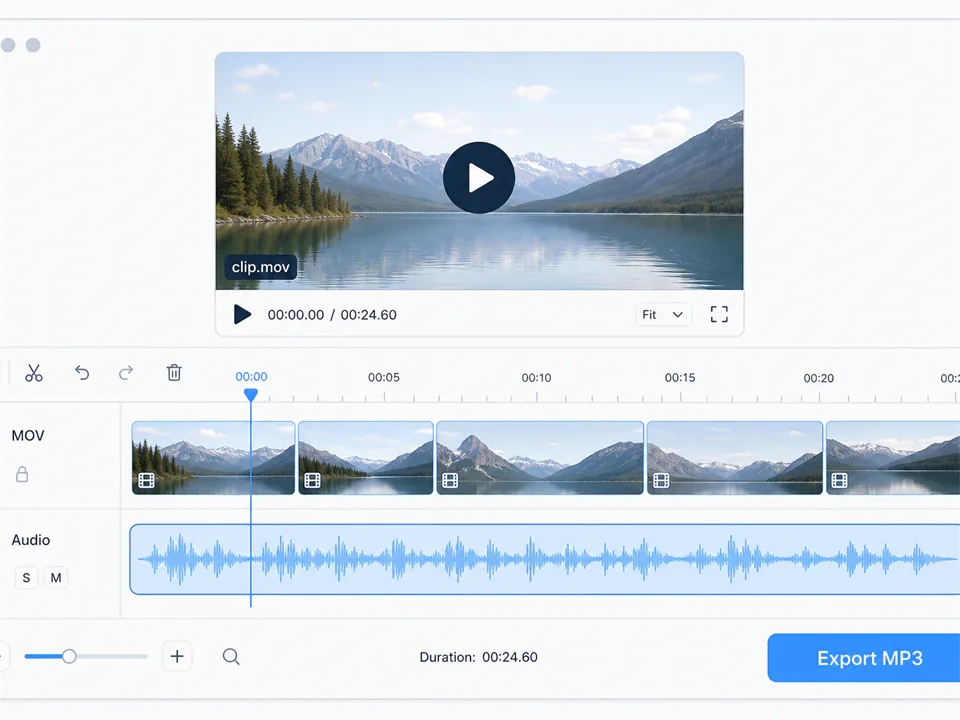
MOV to MP3 Converter - Extract MP3 from QuickTime Video

MOV to MP3 Converter - Extract MP3 from QuickTime Video

Free convert MOV to MP3 in the browser. Upload an iPhone or QuickTime clip and download an MP3 in seconds. Cloud convert MOV to MP3 audio, free to start.
What is Cubva's MOV to MP3 Converter?

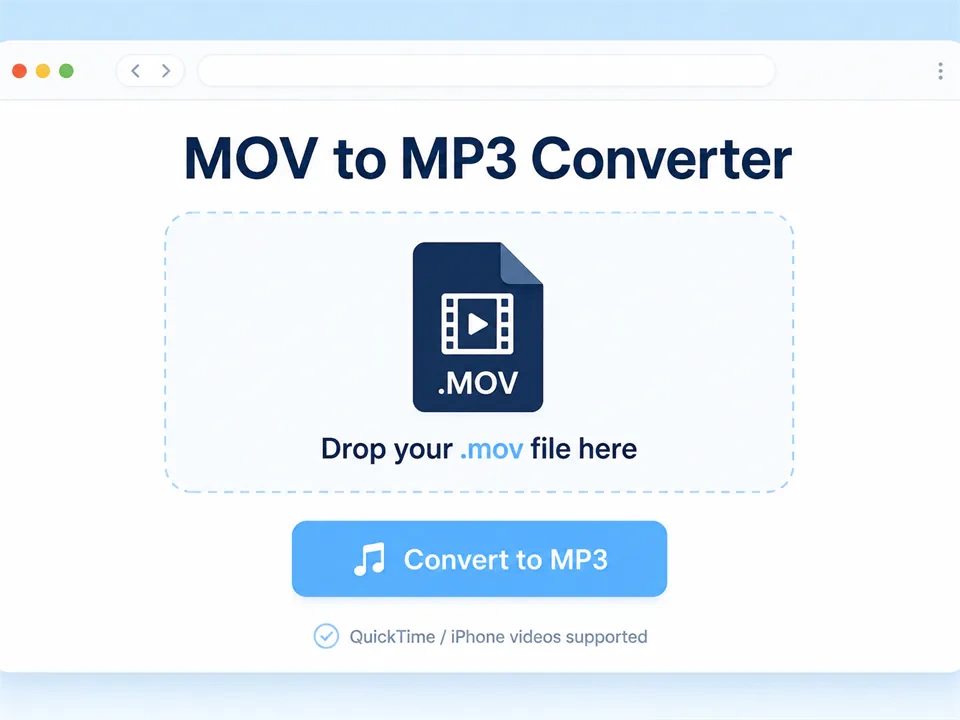
What is Cubva's MOV to MP3 Converter?

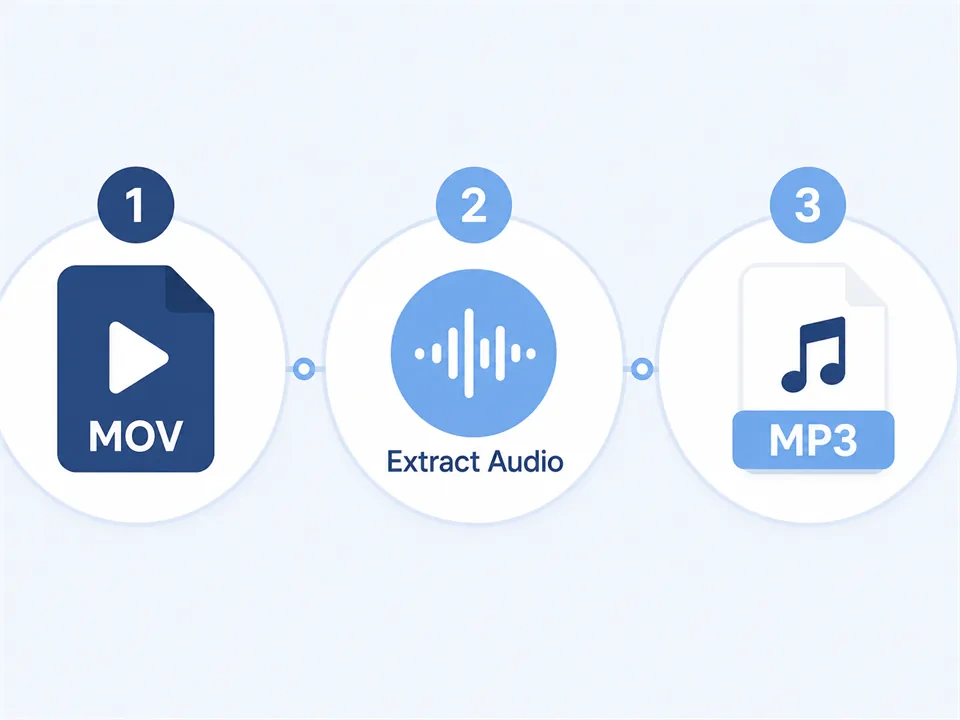
Cubva's MOV to MP3 converter is an online tool that extracts the audio track from a QuickTime video and saves it as MP3. Convert MOV to MP3 when an iPhone recording, a Mac screen capture, or a Final Cut export only needs the sound. MOV is Apple's video container; MP3 is the audio file phones, cars, and editors already play. Cloud convert MOV to MP3 in the browser, then download the soundtrack. Batch conversion is available when you have more than one MOV file.
How Does Cubva's MOV to MP3 Converter Work?

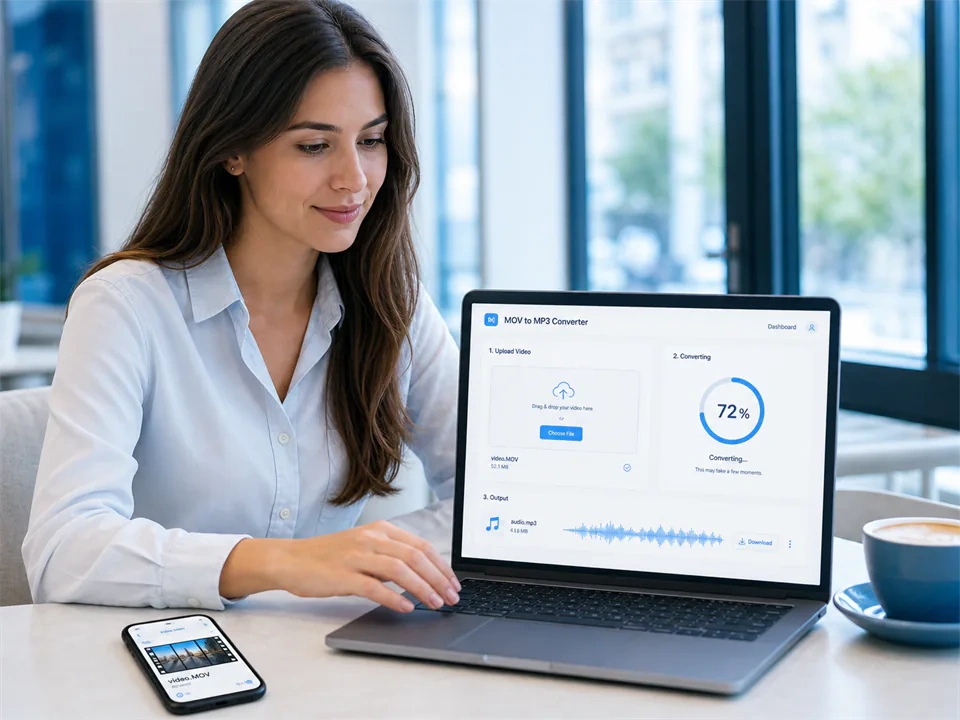
  1. 1

    Step 1: Upload the MOV File

    Add a QuickTime video from an iPhone, a Mac, or a camera. Convert MOV file to MP3 starts with that clip; you can queue several files at once.

  2. 2

    Step 2: Choose MP3 as the Output

    Keep from MOV to MP3 as the target. Extract MP3 from MOV on the full timeline, or set a trim if you only need part of the take.

  3. 3

    Step 3: Convert and Download MP3

    Turn MOV to MP3, preview the audio, then save. Convert MOV to MP3 free to start, and you can run another file from the same page.

What You Can Do with Cubva's MOV to MP3 Converter?

Convert QuickTime to MP3 from iPhone and Mac Clips
01

Convert QuickTime to MP3 from iPhone and Mac Clips

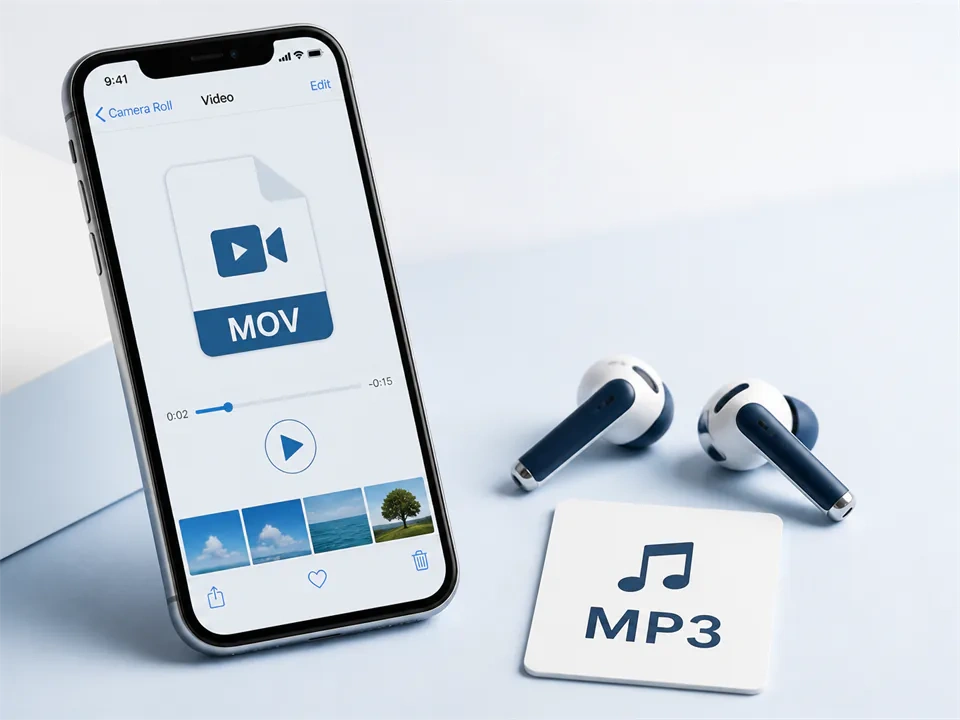
Phone interviews and Mac screen recordings land as MOV and are heavy to replay. Convert QuickTime to MP3 and the soundtrack plays in a default music app. Extract MP3 from MOV so the picture is dropped and the file size drops with it.
MOV File to MP3 Converter for Interviews and Voiceovers
02

MOV File to MP3 Converter for Interviews and Voiceovers

Field recordings and voiceover takes often stay inside a QuickTime file. This MOV file to MP3 converter writes a track podcast hosts and editors already import. Convert video MOV to MP3 when the next step is an audio session, not another video cut.
Online Video Converter MOV to MP3 for a Full Folder
03

Online Video Converter MOV to MP3 for a Full Folder

A Camera Roll export is rarely one file. This online video converter MOV to MP3 queues the set and returns one MP3 per source. Transfer MOV to MP3 in source order so a shoot or a lecture series stays numbered.
Cloud Convert MOV to MP3 in the Browser
04

Cloud Convert MOV to MP3 in the Browser

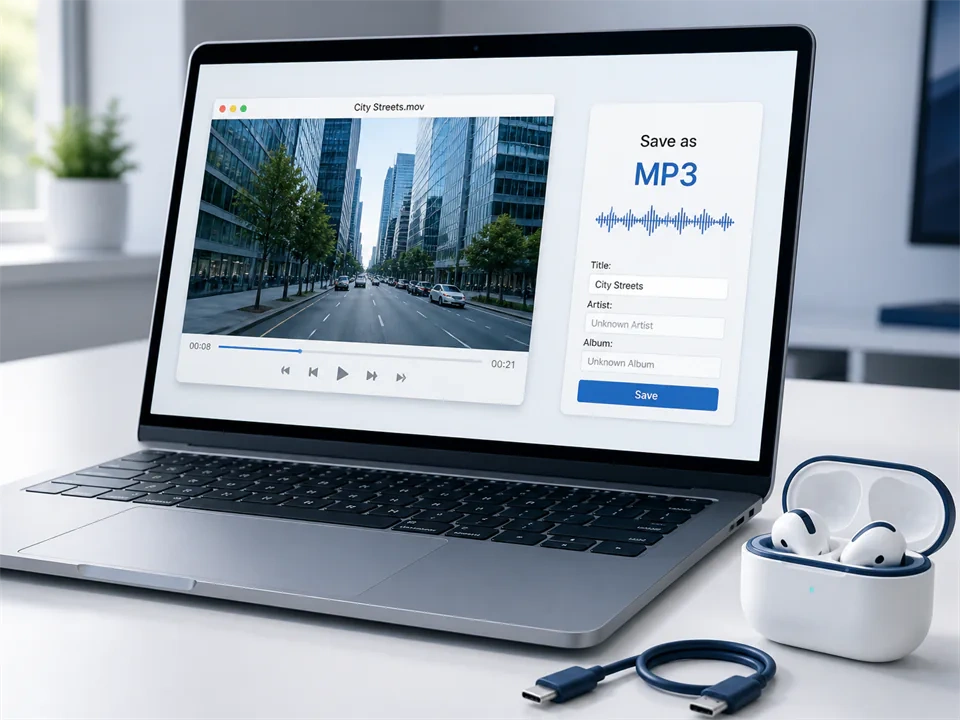
Cloud convert MOV to MP3 from this page: upload, convert, download. Online convert MOV to MP3 avoids a desktop installer when you only need the audio. Convert MOV to MP3 online on the same flow for one clip or a short batch.

Who is Cubva's MOV to MP3 Converter for?

Videographers

iPhone B-roll still holds usable sound. Convert MOV file to MP3 and the take lands in an audio library without the video weight.

Podcast Editors

Guests record on iPhone and send MOV. Change MOV to MP3 and the interview imports like any other audio file.

Voiceover Artists

QuickTime screen or camera takes are a common capture path. MOV to MP3 free gives a file clients and booth software already open.

Why Choose Cubva's MOV to MP3 Converter?

01

Audio from QuickTime, Without the Video Weight

MOV keeps picture and sound together. Extract MP3 from MOV and you keep the soundtrack only. Convert MOV to MP3 online and the file plays in phones, cars, and editors that never needed QuickTime for audio.

02

Built for iPhone, Mac and QuickTime Exports

Those sources default to MOV. Convert QuickTime to MP3 on this page instead of remuxing the whole video first. Change MOV file to MP3 and the original clip stays on your device.

03

MOV to MP3 Converter No Download Software

MOV to MP3 converter no download means you skip an installer. This free MOV to MP3 converter runs in the browser: upload, convert, download. MOV to MP3 converter online free is enough when you only need the audio.

Real User Reviews for Cubva's MOV to MP3 Converter

4.9/5

From 5,640 Reviews

  • Convert QuickTime to MP3 from iPhone Interviews

    Every field interview left the phone as MOV. Convert QuickTime to MP3 and the files sat in the podcast folder the same afternoon.

    Elena VossPodcast Editor
  • Extract MP3 from MOV, File Size Dropped

    The screen recording was huge and I only needed the voiceover. Extract MP3 from MOV gave me a file I could email.

    Kenji MoriVoiceover Artist
  • Online MOV to MP3 Converter for a Whole Shoot

    A weekend of phone clips sat in one folder. Online MOV to MP3 converter queued them and kept the numbering.

    Diego VargasVideographer
  • Cloud Convert MOV to MP3, No Installer

    Work PCs block converter apps. Cloud convert MOV to MP3 in the browser was enough to get one soundtrack out.

    Rita AlvarezIT Support
  • Convert MOV File to MP3 for the Host

    The host rejected the QuickTime upload. Convert MOV file to MP3 and the episode file went through.

    Luis RomeroPodcast Producer
  • MOV to MP3 Converter Free Online

    I needed audio without buying desktop software. MOV to MP3 converter free online produced a file the car USB played immediately.

    Helen ParkInstructor

FAQs for Cubva's MOV to MP3 Converter

Upload the QuickTime file, keep MP3 as the output, convert, then download. Convert MOV to MP3 returns an audio file. The original MOV stays on your device.