
CubvaPricingBlog
Log inSign up
CubvaCubva

Turn hours of audio and video into accurate, searchable text — built for interviews, meetings, lectures and content.

support@cubva.com

Product

  • Home
  • Pricing
  • Blog

Legal

  • Privacy Policy
  • Terms of Service

© 2026 Cubva. All rights reserved.

MOV to MP4 Converter

Convert audio and video between supported formats in a few steps.

Select a file to convert

to

or drag and drop your file here.

Your file is uploaded securely for server-side conversion.
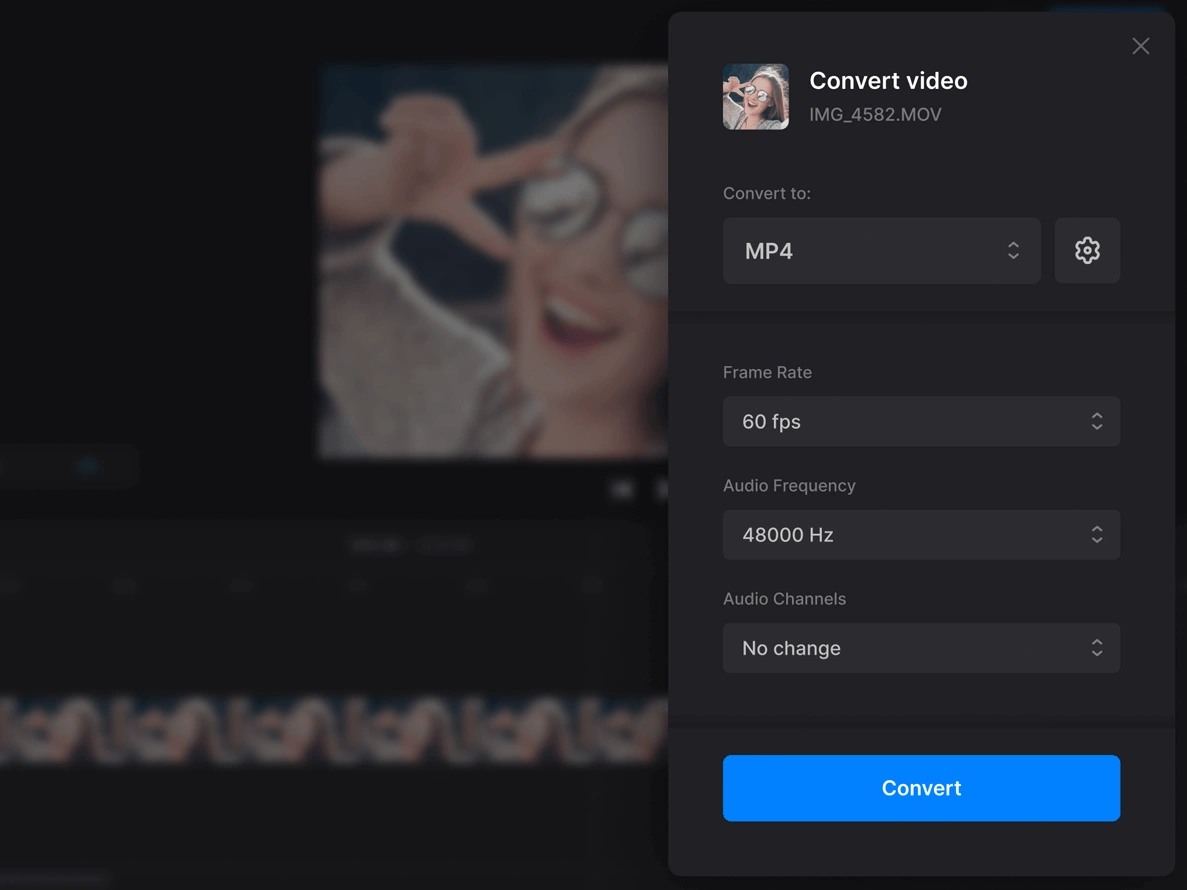
MOV to MP4 Converter Online - Turn QuickTime Clips into MP4

MOV to MP4 Converter Online - Turn QuickTime Clips into MP4

A recording from an iPhone or a Mac should still play after it leaves Apple's apps. Convert MOV to MP4 and Cubva hands back a standard video that Windows, Android, editors and web players already open. Queue a folder of clips if you need to, then download the MP4 when each job finishes.
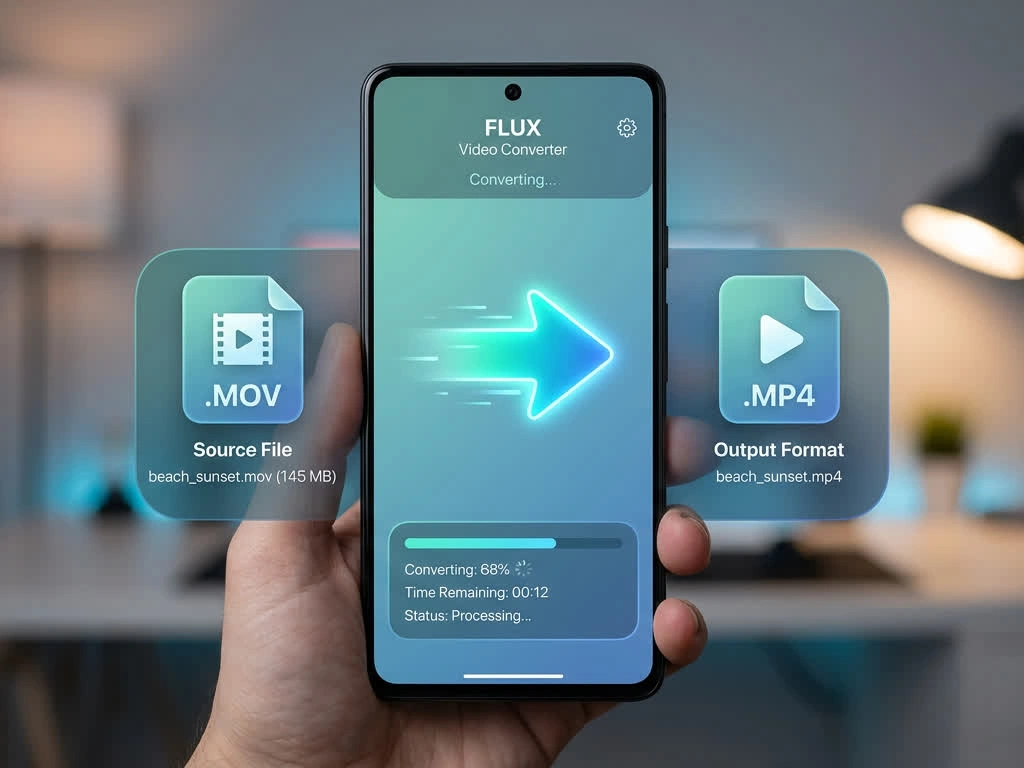
What is Cubva' MOV to MP4 Converter?

What is Cubva' MOV to MP4 Converter?

Cubva' MOV to MP4 converter takes Apple QuickTime video and returns an MP4 that works outside the Apple ecosystem. Convert MOV to MP4 when an iPhone clip, a Mac screen recording, or a camera file will not open on Windows or Android, or when a website rejects the .mov upload. MOV and MP4 can hold the same picture and soundtrack; the wrapper is what most players refuse, so the first job is a container change, not a second trip through compression. Cloud convert MOV to MP4 in the browser, including a whole folder, and download a file that drop into an editor, a slide deck, or a chat without asking anyone to install QuickTime.
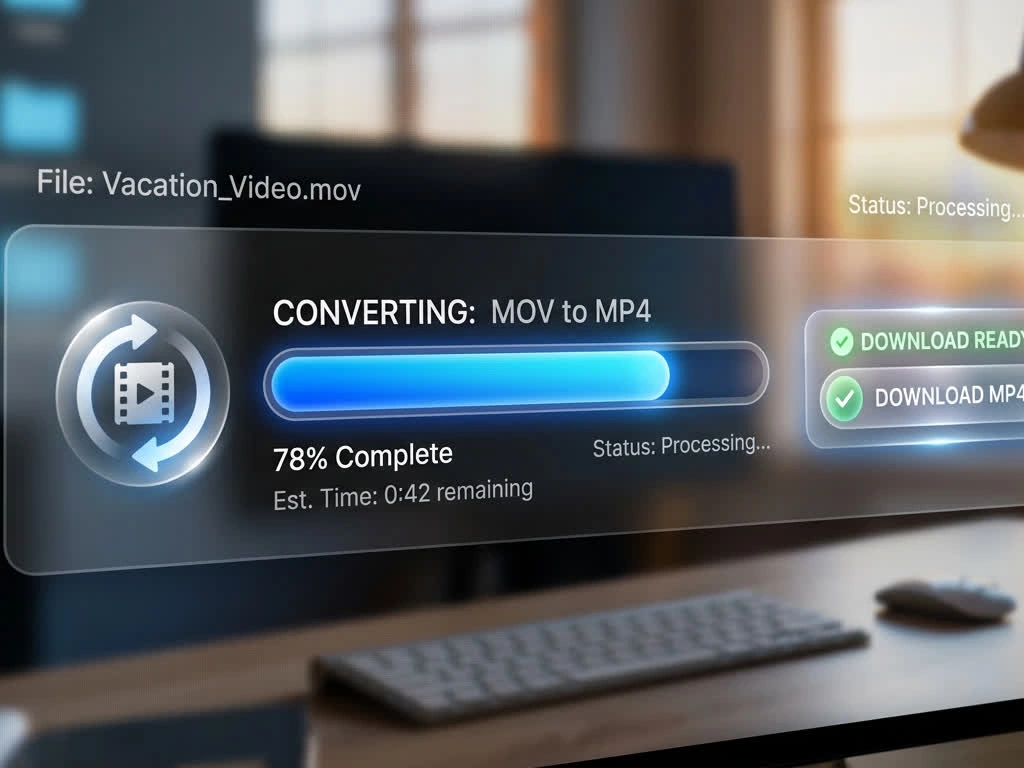
How Does Cubva' MOV to MP4 Converter Work?

  1. 1

    Step 1: Upload the MOV File

    Add a QuickTime recording from an iPhone, a Mac, or a camera. Convert MOV file to MP4 starts with that video on your device, and you can drop several clips if a whole shoot needs the same treatment.

  2. 2

    Step 2: Confirm MP4 as the Output

    Keep convert MOV format to MP4 as the target so Windows, Android, and web players can open the result. Switch MOV to MP4 on the full timeline, or trim a section if only part of the take is going out.

  3. 3

    Step 3: Convert, Preview and Download

    Transform MOV to MP4, check the preview, then save. Convert MOV to MP4 free to start, and the same upload stays available if you need another pass.

What You Can Do with Cubva' MOV to MP4 Converter?

Video Converter MOV to MP4 for Windows and Android Playback
01

Video Converter MOV to MP4 for Windows and Android Playback

A clip that plays on an iPhone often arrives on a PC as a file nobody can open, because Windows never shipped QuickTime as a default player. This video converter MOV to MP4 rebuilds the wrapper so convert MOV to MP4 video output opens in the built-in player, in an editor, and on Android. Change video from MOV to MP4 once, and you stop asking recipients to hunt for extra codecs.
MOV to MP4 Video Converter for Editors, Decks and Uploads
02

MOV to MP4 Video Converter for Editors, Decks and Uploads

Timeline software, PowerPoint, Google Slides, and most upload forms expect MP4 and stall on a QuickTime file. An MOV to MP4 video converter pass keeps the picture and the soundtrack, then writes a file those tools already accept. Convert MOV file to MP4 free when a client delivery, a lesson, or a social upload is blocked only by the extension.
Online Video Converter MOV to MP4 for a Whole Shoot
03

Online Video Converter MOV to MP4 for a Whole Shoot

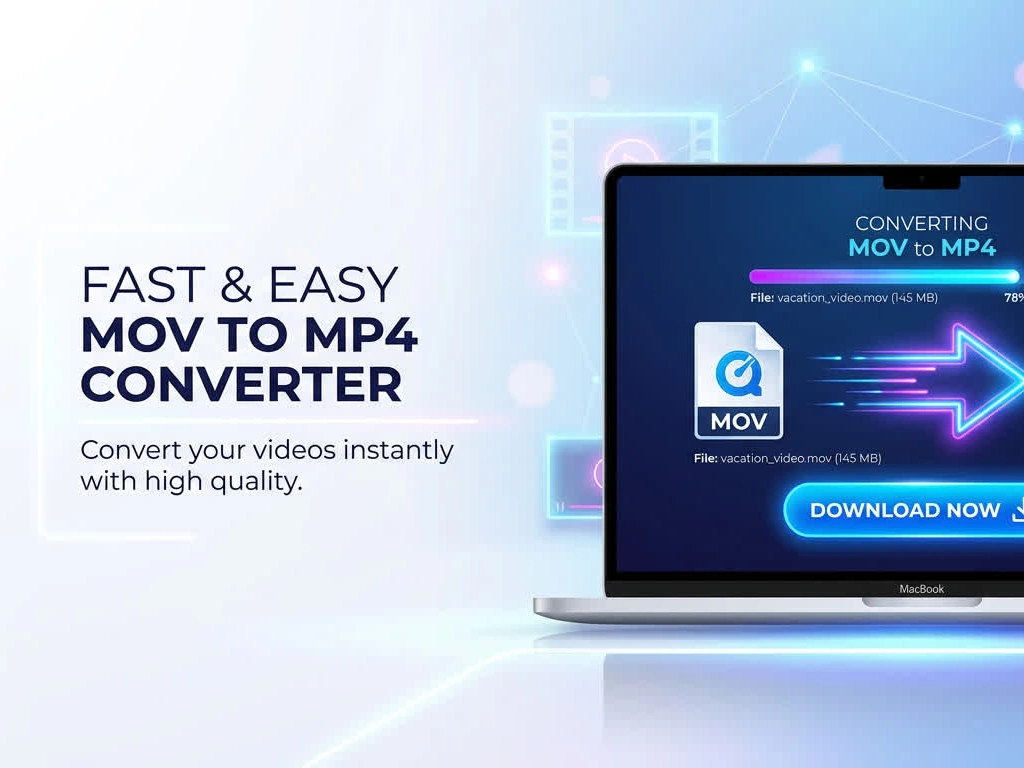
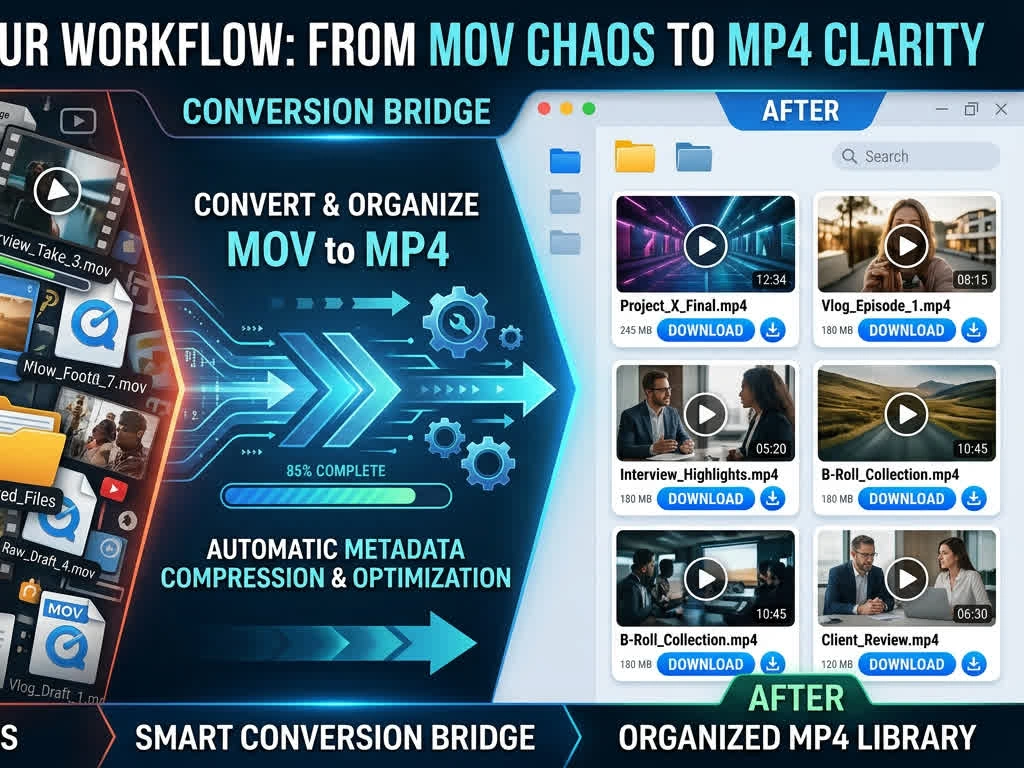
Phones dump dozens of QuickTime clips into a Camera Roll, and converting them one by one is how the last takes never leave the folder. This online video converter MOV to MP4 queues the set, applies the same output once, and returns numbered MP4 files. Video MOV to MP4 conversion still covers the full runtime of each clip, not a short preview from the front.
Cloud Convert MOV to MP4 in the Browser
04

Cloud Convert MOV to MP4 in the Browser

Large camera files and Mac screen recordings are awkward to push through a desktop installer on a locked work machine. Cloud convert MOV to MP4 from this page: upload, convert, download, without moving the project into a separate app. Online converter MOV to MP4 handles the same job whether the source is a phone clip or a longer QuickTime export.

Who is Cubva' MOV to MP4 Converter for?

Videographers

iPhone B-roll and Mac screen takes still have to land in a Windows edit or a client review link. Convert MOV to MP4 format and the footage opens where the rest of the project already lives.

Marketing Managers

Campaign assets die in a shared drive when half the team cannot play QuickTime. Change MOV to MP4 and the same spot files into ads, decks, and web players without a support thread.

Teachers and Trainers

Lesson recordings made on a Mac often fail the moment they hit a school PC. Free convert MOV to MP4 so students get a file their default player already understands.

Why Choose Cubva' MOV to MP4 Converter?

01

A File That Plays Where MOV Will Not

QuickTime is native on Apple devices and a dead end on much of Windows, Android, and the web. Convert MOV to MP4 video and the result uses a wrapper those platforms already ship. Recipients stop installing extra players just to watch a clip you already finished.

02

Keep the Picture When the Wrapper Is the Only Problem

Many iPhone and Mac recordings already carry streams MP4 can hold. In those cases the converter repackages the file instead of grinding through a full re-encode, so change MOV into MP4 stays fast and the frame does not pick up a new generation of compression. Tougher camera exports are re-encoded only when playback would otherwise fail.

03

Online MOV to MP4 Converter, Not Another Desktop Installer

Searches for free MOV to MP4 converter software usually mean someone does not want a bulky freeware package on a work laptop. This online MOV to MP4 converter runs in the browser, encrypts the transfer, and clears processed files after download. Free MOV to MP4 here is the conversion itself, ready when the upload finishes.

Real User Reviews for Cubva' MOV to MP4 Converter

4.9/5

From 6,918 Reviews

  • Windows Finally Opened the iPhone Clip

    Every MOV from my Camera Roll sat as a blank icon on the office PC. Convert MOV to MP4 free and the same take played in the default player, which was the entire problem.

    Lauren BrooksEvent Videographer
  • Online MOV to MP4 Converter for Client Reviews

    Clients on Android could not open the QuickTime proofs I sent. The online MOV to MP4 converter gave me files they watched without a follow-up email about codecs.

    Diego VargasCommercial Director
  • Video File Converter MOV to MP4, Whole Folder

    A weekend shoot dumped forty phone clips into one folder. The video file converter MOV to MP4 queue finished them in order, so I did not rename files by hand afterwards.

    Priya NairSocial Producer
  • Change MOV to MP4 for the Slide Deck

    PowerPoint refused the Mac screen recording I needed in a Monday review. Change MOV to MP4 and the clip sat on the slide like any other video.

    Tom RichterSales Enablement Lead
  • Cloud Convert MOV to MP4 on a Locked Laptop

    IT will not let me install desktop converters. Cloud convert MOV to MP4 from the browser was the only way a QuickTime export left the building that afternoon.

    Hannah ColeIT Coordinator
  • Free Convert MOV File to MP4, Still Sharp

    I expected a muddy re-encode. Free convert MOV file to MP4 came back looking like the original take, which is what I needed for a web cut.

    Kenji MoriFreelance Editor

FAQs for Cubva' MOV to MP4 Converter

Upload the QuickTime file, keep MP4 as the output, convert, then download. Convert MOV to MP4 this way returns a video file, not an audio extract, and the original MOV stays on your device.