
CubvaPricingBlog
Log inSign up
CubvaCubva

Turn hours of audio and video into accurate, searchable text — built for interviews, meetings, lectures and content.

support@cubva.com

Product

  • Home
  • Pricing
  • Blog

Legal

  • Privacy Policy
  • Terms of Service

© 2026 Cubva. All rights reserved.

MP3 to OGG Converter

Convert audio and video between supported formats in a few steps.

Select a file to convert

to

or drag and drop your file here.

Your file is uploaded securely for server-side conversion.
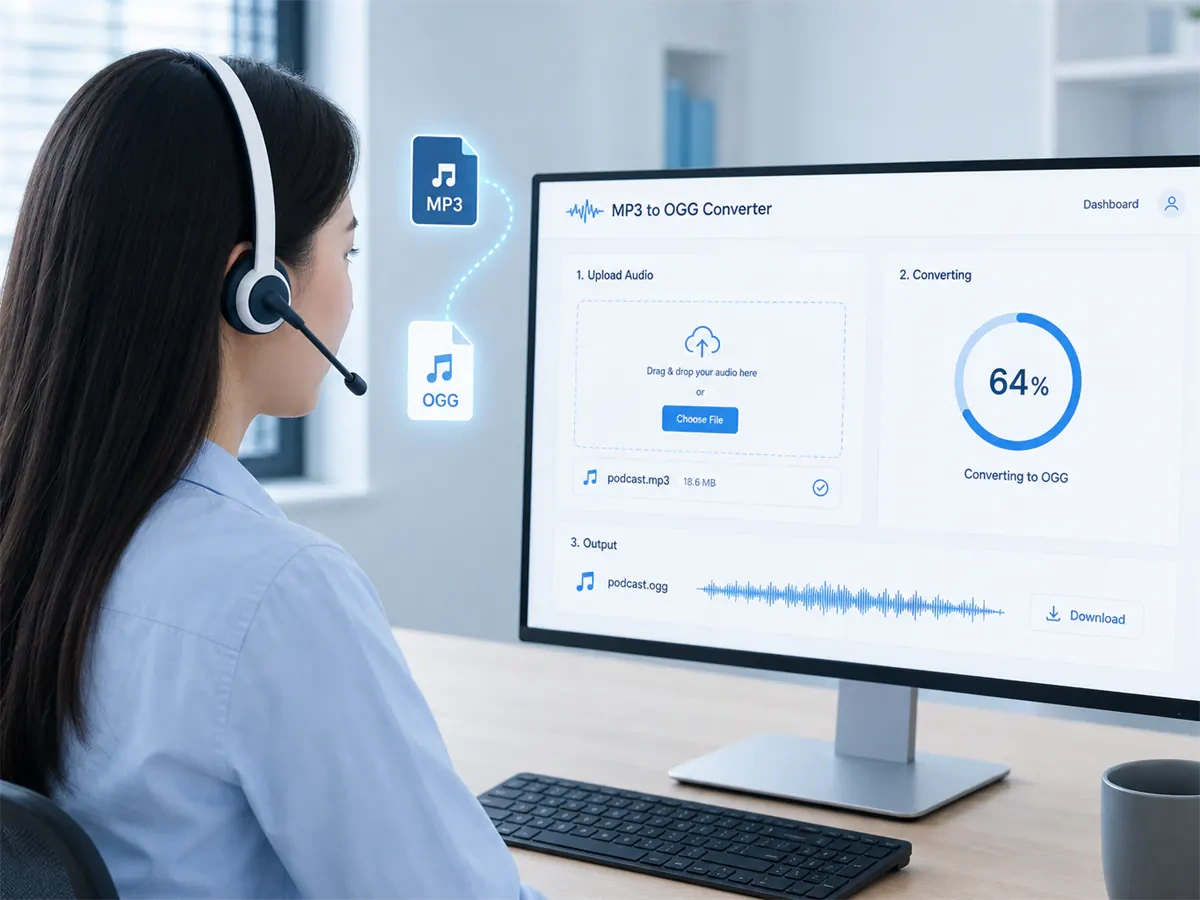
MP3 to OGG Converter - Change MP3 Audio into OGG

MP3 to OGG Converter - Change MP3 Audio into OGG

A game build or HTML5 player may reject MP3 outright. Convert MP3 to OGG and the same track becomes an asset those runtimes already load. Free to start when you only need an OGG copy.
What is Cubva's MP3 to OGG Converter?

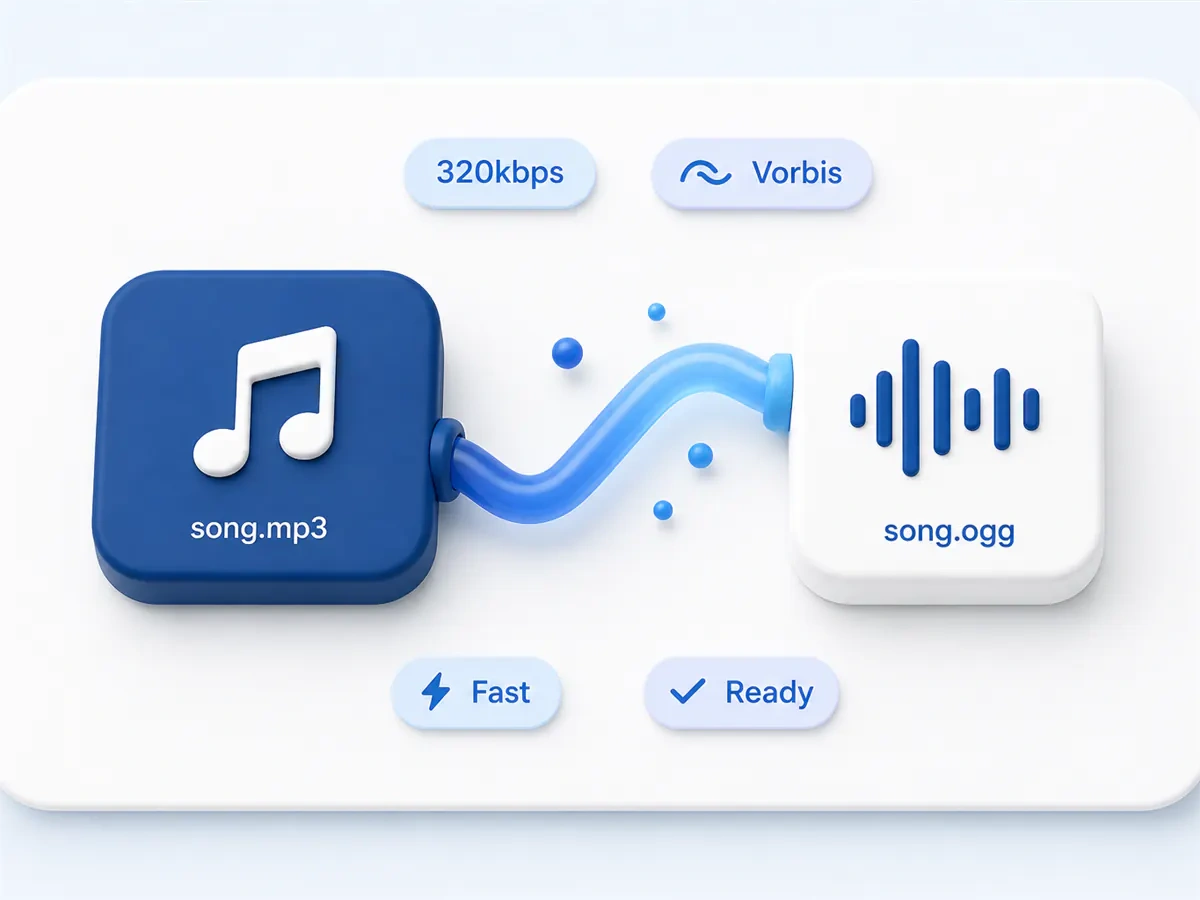
What is Cubva's MP3 to OGG Converter?

Cubva's MP3 to OGG converter is an online audio tool that writes OGG from an MP3 soundtrack. Convert MP3 to OGG when a game engine, an HTML5 player, or a Linux library will not import a phone music file. MP3 is common on phones; OGG is the format many open players and engines still list first. The job is audio to audio, so there is no picture track to wrap or discard. Cloud convert MP3 to OGG on this page, then download the new audio file. Batch conversion is available when you have more than one MP3 file.
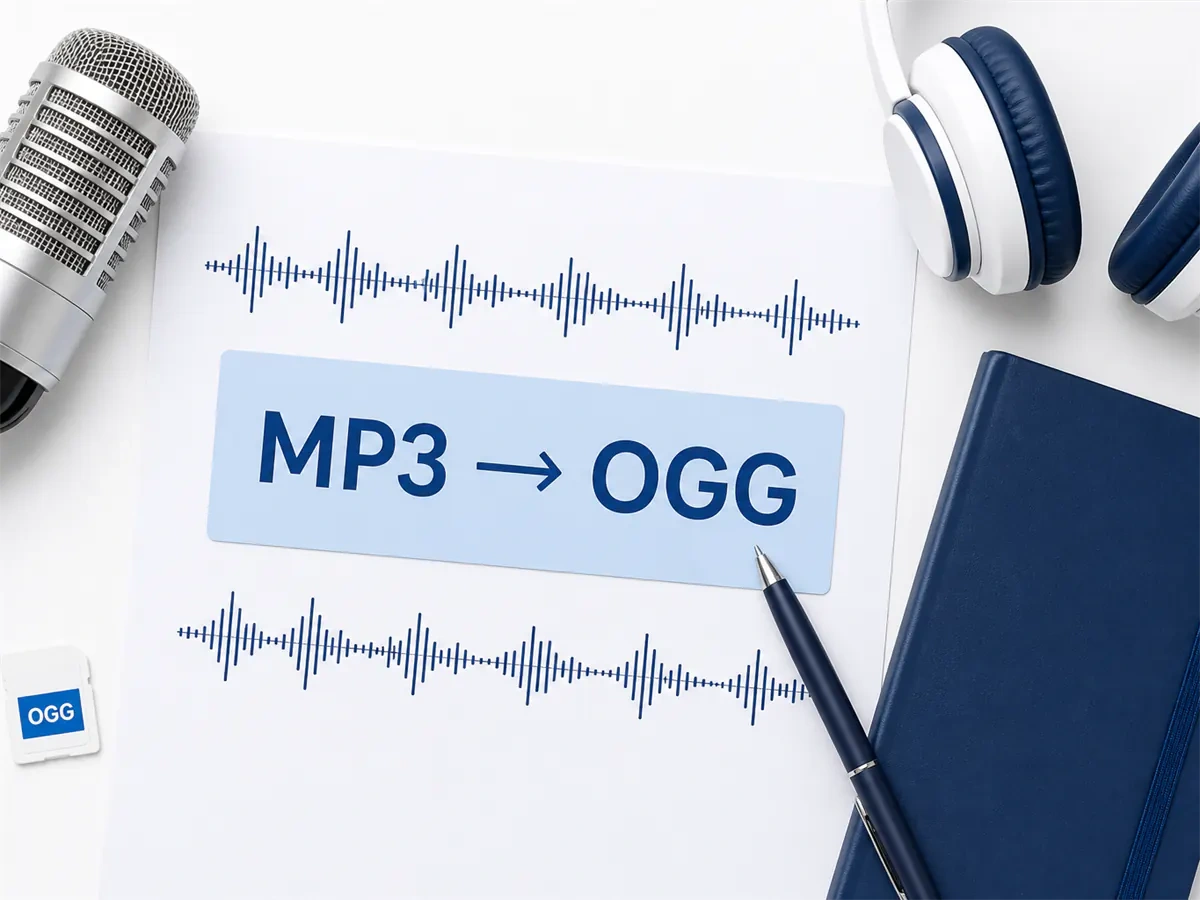
How Does Cubva's MP3 to OGG Converter Work?

  1. 1

    Step 1: Upload the MP3 File

    Add an MP3 from a phone library, a podcast export, or a music folder. Convert MP3 to OGG file starts with that track; you can queue several files at once.

  2. 2

    Step 2: Choose OGG as the Output

    Keep MP3 to OGG file as the target. Change MP3 to OGG on the full take, or set a trim if you only need part of the recording.

  3. 3

    Step 3: Convert and Download OGG

    Preview the audio, then save. MP3 to OGG free to start, and the original MP3 stays on your device.

What You Can Do with Cubva's MP3 to OGG Converter?

MP3 to OGG Audio Converter for Game Assets
01

MP3 to OGG Audio Converter for Game Assets

Game engines often list OGG for music and sound effects, then reject a phone MP3 at import. This MP3 to OGG audio converter writes a file those pipelines already load without a local transcode step. MP3 file to OGG is the usual fix when a build still needs the same take in the asset pack, numbered the way the source folder was.
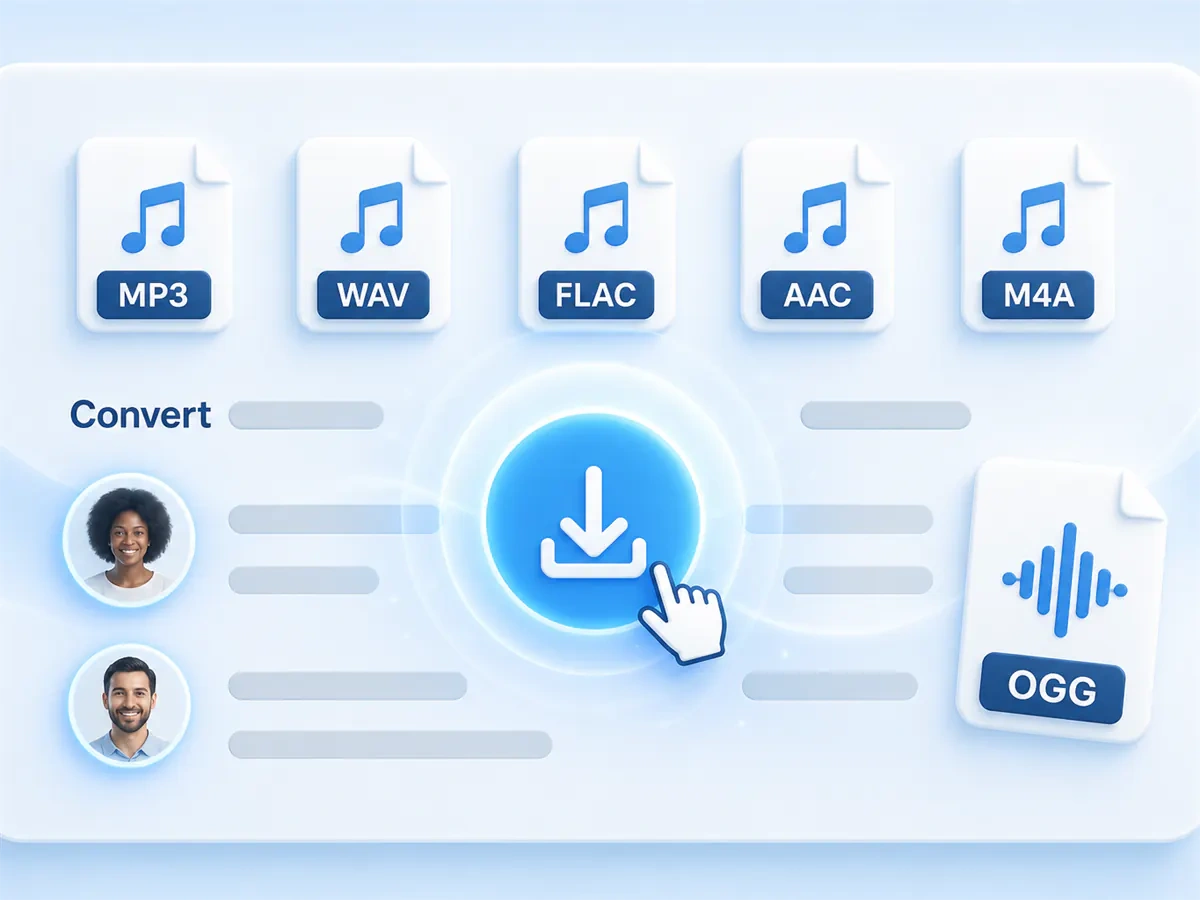
MP3 to OGG File Converter for HTML Audio
02

MP3 to OGG File Converter for HTML Audio

HTML audio tags in Chrome and Firefox often prefer OGG for open playback, then skip a raw MP3 in some open stacks. An MP3 to OGG file converter keeps the recording and exports a file those tags already list. Convert MP3 to OGG file so a page can play the clip without depending on a phone music codec.
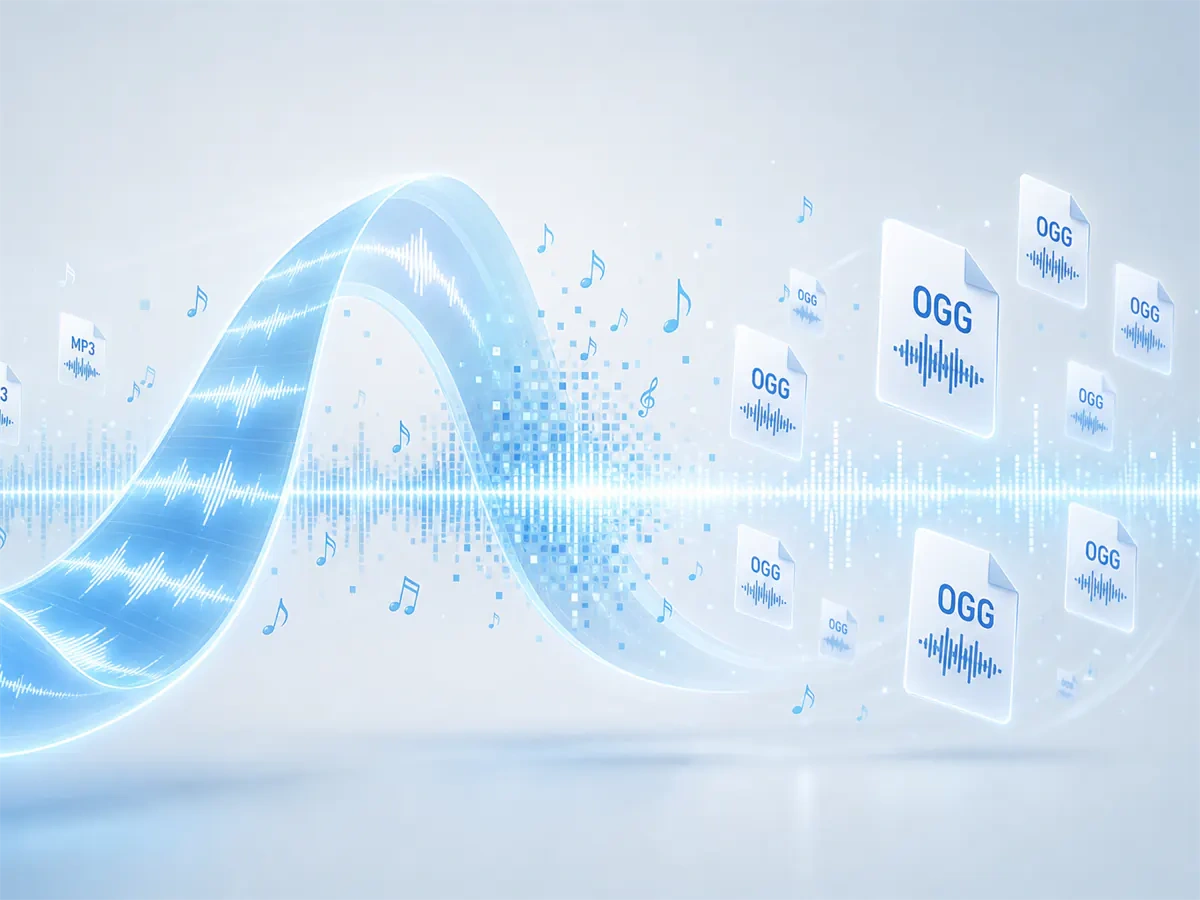
File Converter MP3 to OGG for a Full Folder
03

File Converter MP3 to OGG for a Full Folder

A voice pack or a Linux music folder is rarely one file. This file converter MP3 to OGG queues the set and returns one OGG per source as each job finishes. Audio converter MP3 to OGG keeps source order so a pack stays numbered after you download the copies for the player that asked for OGG.
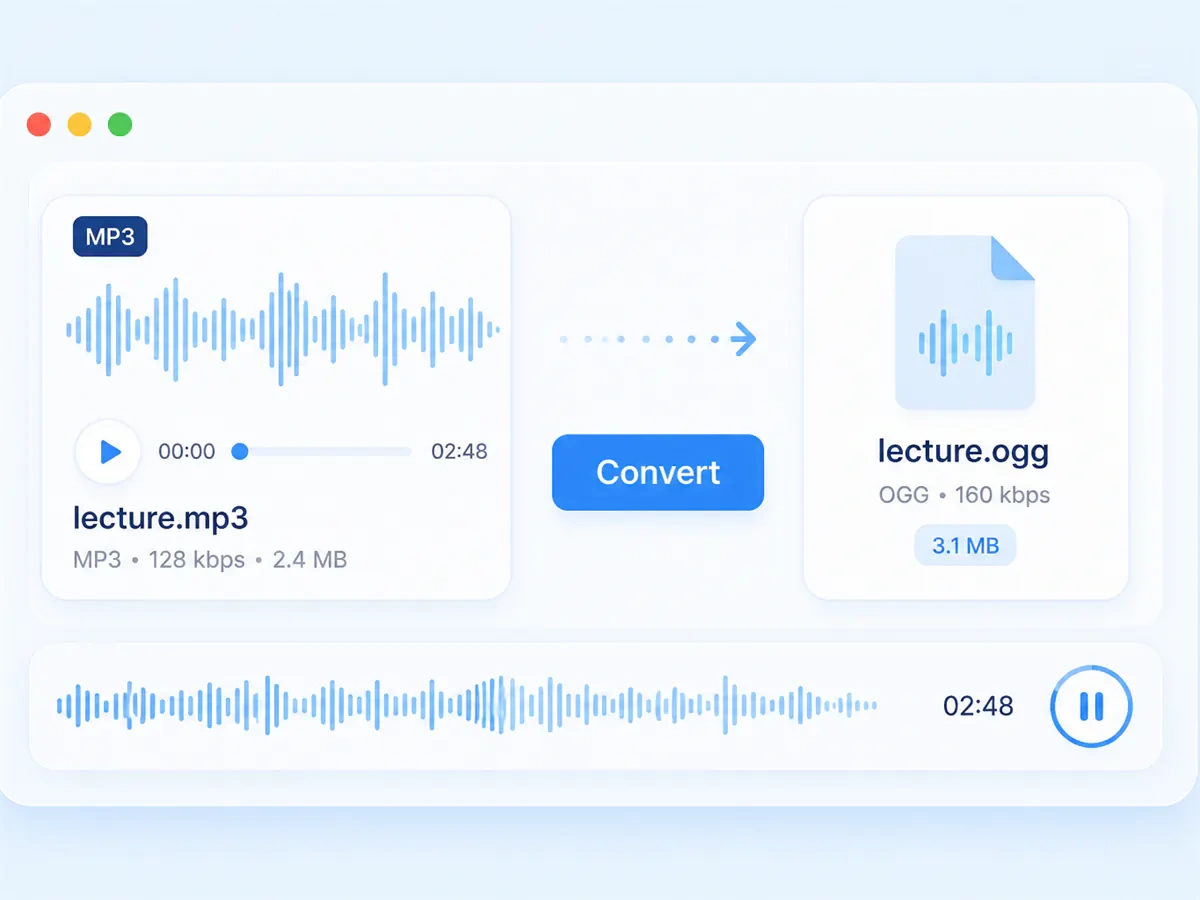
Cloud Convert MP3 to OGG in the Browser
04

Cloud Convert MP3 to OGG in the Browser

Cloud convert MP3 to OGG from this page: upload the MP3, convert, then download the OGG. Convert MP3 to OGG online skips a desktop installer when you only need open-format copies for a build. MP3 to OGG online uses the same flow for one track or a short batch.

Who is Cubva's MP3 to OGG Converter for?

Indie Game Developers

Engines often import OGG for looping music and SFX. Convert MP3 to OGG free when a client build rejects the phone export you already have.

Frontend Developers

HTML audio tags may list OGG first. A free MP3 to OGG converter gives a copy Chrome and Firefox can play without a plugin.

Linux Administrators

Desktop libraries and internal players on Linux often prefer OGG. From MP3 to OGG, the same briefing plays in the default app.

Why Choose Cubva's MP3 to OGG Converter?

01

OGG Import Where MP3 Is Rejected

Game runtimes and many HTML players list OGG first. Convert MP3 to OGG and the file uses the format those projects already open. Recipients do not need a phone music app to hear the take.

02

Audio-to-Audio, Same Recording

This is not a video wrap. From MP3 to OGG re-encodes the soundtrack into a standalone OGG. Turn MP3 to OGG and the original file stays on your device.

03

MP3 to OGG Converter No Download

MP3 to OGG converter no download means the job runs in the browser, not as a setup package. Convert MP3 to OGG free here is a browser job: upload, convert, download. MP3 to OGG converter online free finishes without a desktop installer.

Real User Reviews for Cubva's MP3 to OGG Converter

4.9/5

From 5,156 Reviews

  • MP3 to OGG Audio Converter for a Build

    The engine skipped every MP3 I dropped in. MP3 to OGG audio converter gave me files the importer accepted on the first pass.

    Jonas KellerIndie Game Developer
  • Convert MP3 File to OGG for HTML5

    The page audio tag would not play the phone export. Convert MP3 file to OGG and the clip loaded in Chrome and Firefox.

    Priya NairFrontend Developer
  • File Converter MP3 to OGG for a Folder

    A Linux briefing pack was all MP3. File converter MP3 to OGG queued them and kept the names.

    Malik OkonkwoLinux Administrator
  • Cloud Convert MP3 to OGG, No Installer

    Work PCs block converter apps. Cloud convert MP3 to OGG in the browser was enough to get one clip into the repo.

    Sophie LaurentTechnical Writer
  • Change MP3 to OGG for Looping Music

    The ambient loop had to ship as OGG. Change MP3 to OGG and the same bed played in the engine without a local transcode.

    Ethan BrooksAudio Integrator
  • MP3 to OGG Converter Online Free

    I needed OGG without buying desktop software. MP3 to OGG converter online free produced a file the HTML player opened immediately.

    Yuki TanakaCommunity Host

FAQs for Cubva's MP3 to OGG Converter

Upload the MP3 file, keep OGG as the output, convert, then download. Convert MP3 to OGG returns a new audio file. The original MP3 stays on your device.