
Students and Researchers
Lecture captures and webinar MP4s are heavy to store and awkward to replay on a commute. Convert MP4 to MP3 and the same session becomes a file you can search later with a transcription tool, or just listen through.
Convert audio and video between supported formats in a few steps.
or drag and drop your file here.
Your file is uploaded securely for server-side conversion.
Upload MP4 video to Cubva' free MP4 to MP3 converter that keeps the soundtrack and drops the picture. Convert MP4 to MP3 online at 128, 192 or 320 kbps, trim a section, or run a batch. It runs in the browser with no software to install.
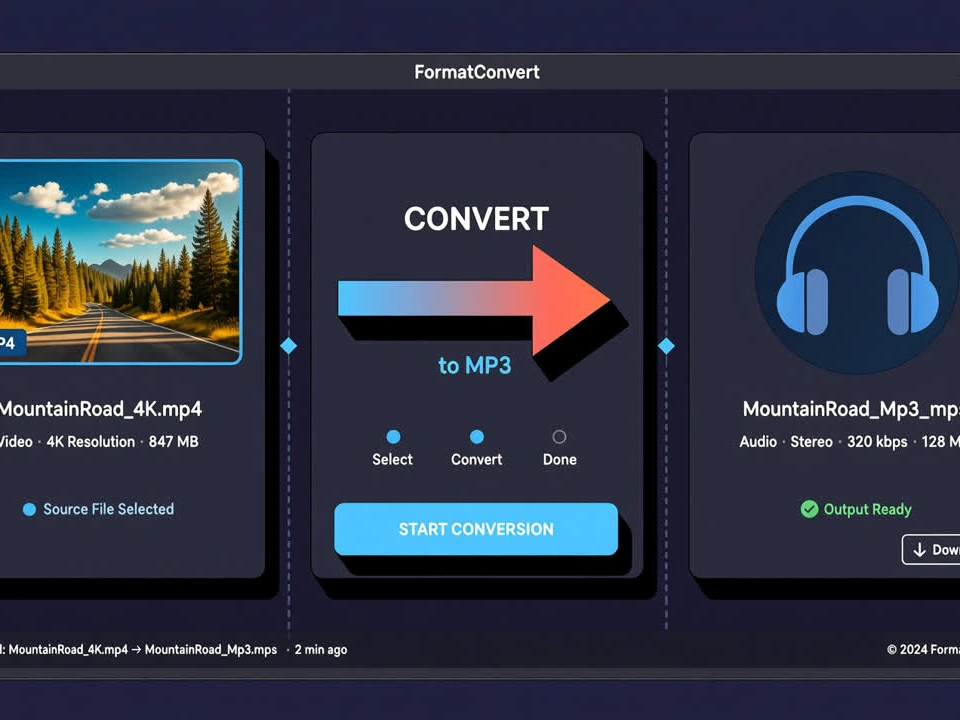
Cubva' MP4 to MP3 converter is an online tool that extracts the audio track from an MP4 video and saves it as a standalone MP3. Convert MP4 to MP3 by uploading the video file; the picture layer is discarded and only the soundtrack is encoded, which is why the result plays in a music app, a car stereo or a podcast player. MP4 is a container that usually holds AAC audio beside the video, so format MP4 to MP3 means a real encode into MPEG-1 Audio Layer 3, not a renamed extension. Pick 128, 192 or 320 kbps, trim a range, or convert several files in one queue. No desktop install is required.
Drag in one MP4 or a batch. Convert from video MP4 to MP3 starts with the video file on your device, not with a blank audio track, and long clips are accepted as a single upload.
Choose 128 kbps for speech, 192 kbps for everyday listening, or 320 kbps when the source track is already strong. Switch MP4 to MP3 on the full timeline, or set a start and end if you only need a chapter.
Transform MP4 to MP3, preview the audio, then save the file. Change MP4 to MP3 free to start, and the job stays open if you want a second bitrate from the same video.

Class recordings, Zoom exports and how-to videos are easier to replay as audio when you do not need the slides. This MP4 to MP3 converter online pulls the speech track out of the container so convert MP4 to MP3 file output is a compact soundtrack you can play with the screen off. MP4 to MP3 online conversion keeps the original timing, which is what lets you jump back to the minute a point was made.
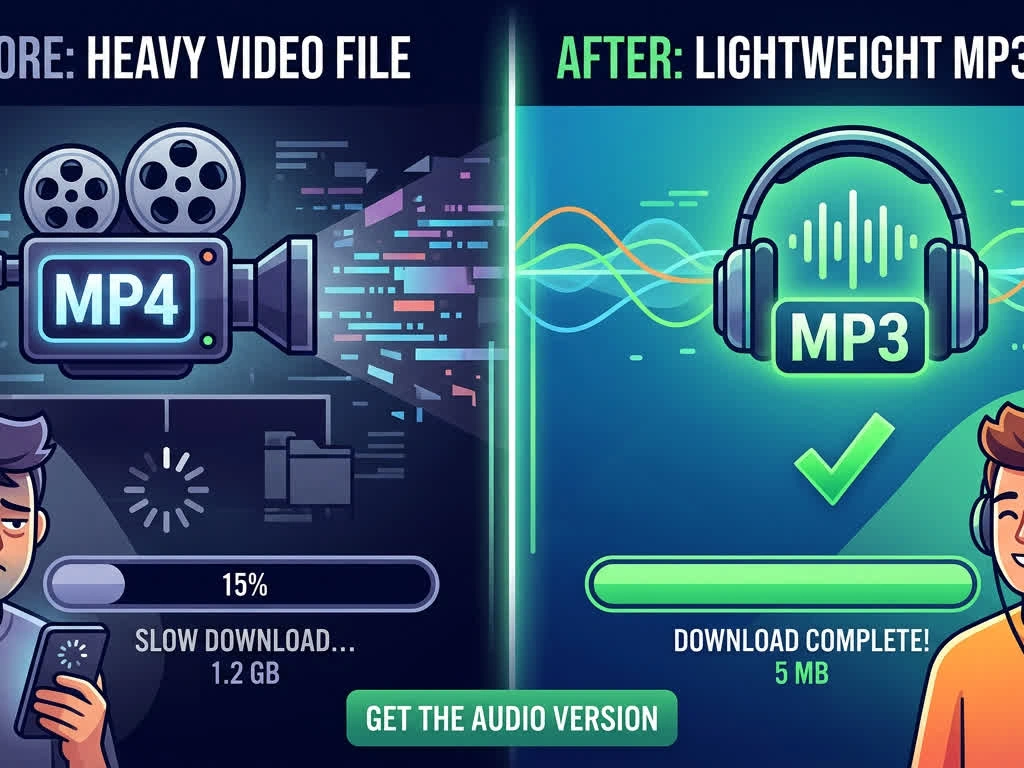
A music video or a talk you already saved as MP4 still has a picture track you will never watch on a commute. A video converter MP4 to MP3 job drops that picture and encodes the soundtrack, so online MP4 to MP3 audio converter output sits in a player, a car deck or a phone library. If the file is a YouTube MP4 you already have on disk, this page converts that local video to audio; it does not fetch videos from the web.
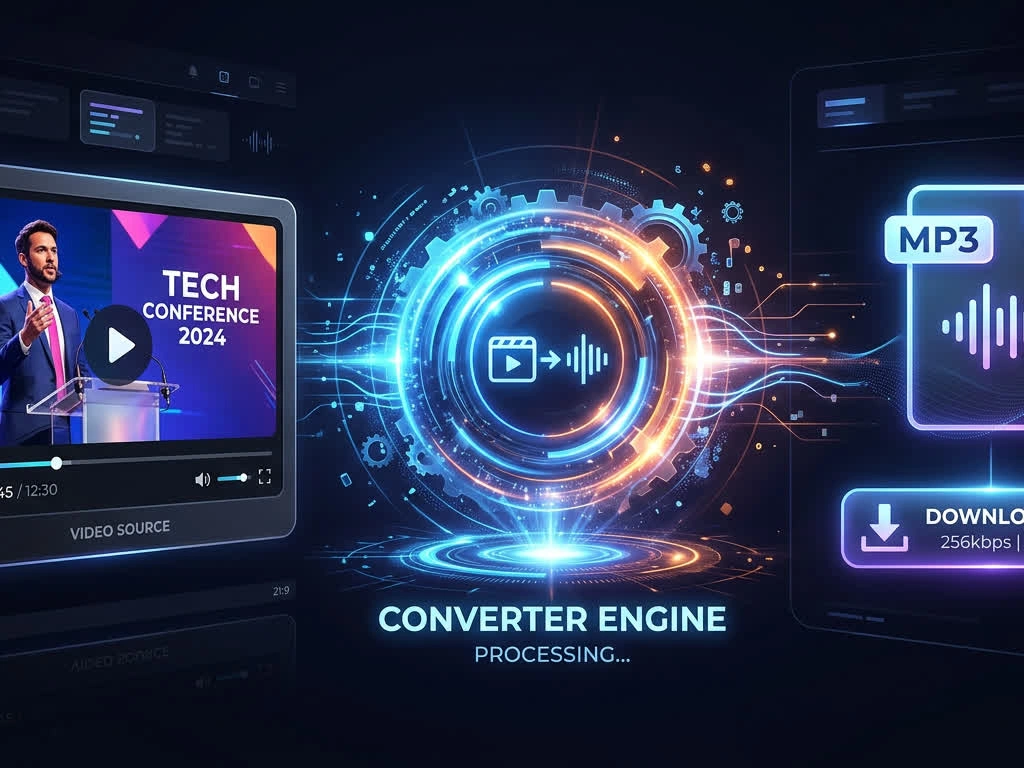
Converting a folder of lesson videos one file at a time is how the last few never get done. This MP4 to MP3 converter website queues multiple uploads, applies the same bitrate once, and returns each MP3 in source order. MP4 to MP3 free convert still processes the full runtime of every file, not a short sample from the front.
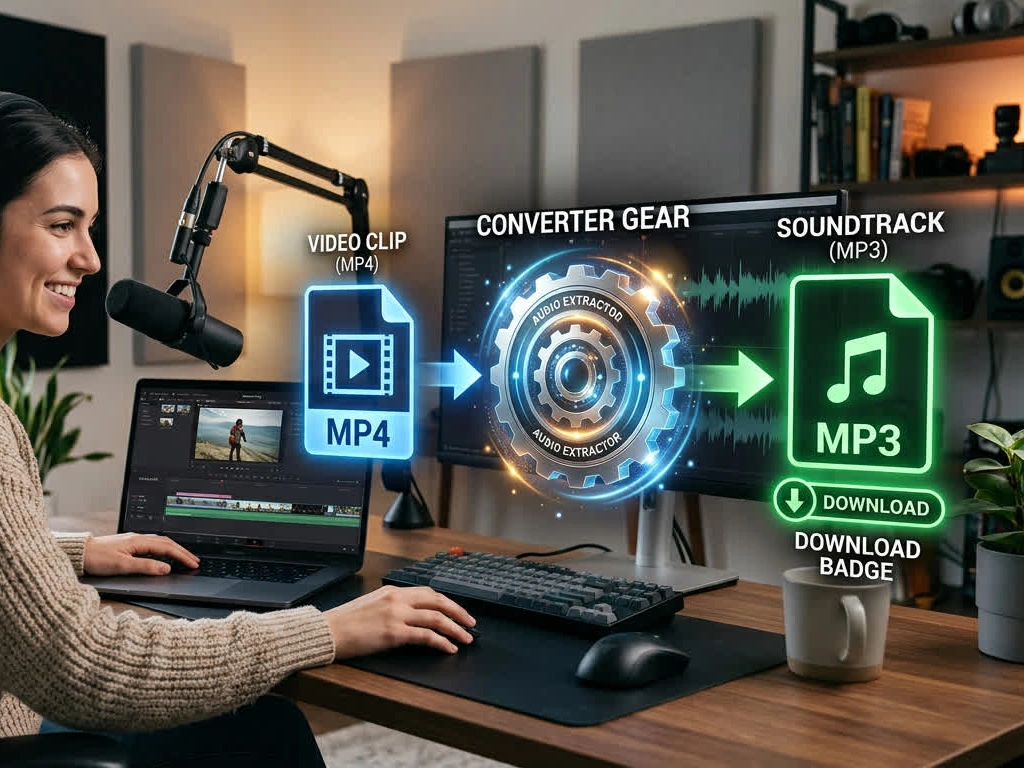
Not every clip needs the whole timeline or the largest file. Change MP4 to MP3 online by setting a start and end, then pick a bitrate that matches the job: 128 kbps for voice notes, 320 kbps when the source AAC is already clean. Change MP4 to MP3 online free still encodes from the original audio stream, so raising the number cannot invent detail the video never had.
Lecture captures and webinar MP4s are heavy to store and awkward to replay on a commute. Convert MP4 to MP3 and the same session becomes a file you can search later with a transcription tool, or just listen through.
A picture lock still holds a mix you may want as a standalone episode or a reference track. MP4 to MP3 converter online output is a labelled audio file, not a silent video with the screen turned off.
Talks, tutorials and clips already sitting on a drive are easier in a pocket player. A free video converter MP4 to MP3 pass turns those files into MP3s that any phone or car stereo will open.
Playing a video and capturing system sound stacks noise, volume jumps and another generation of compression. Cubva reads the audio stream inside the MP4 container and encodes that track to MP3, so convert from video MP4 to MP3 keeps the mix you already had. The picture is simply left behind.
MP3 quality is a bitrate decision, not a mystery slider. Use 128 kbps for speech, 192 kbps for mixed listening, and 320 kbps when the AAC inside the MP4 is already strong. A higher number than the source cannot restore detail, and this page will not pretend otherwise.
Searches for mp4 to mp3 converter free software usually mean people do not want another desktop app. This mp4 to mp3 converter online free run is a browser tab: no installer, no account, HTTPS on the transfer, and files cleared after download. Mp4 to mp3 online stays between you and the file you uploaded.
From 3,640 Reviews
Other sites either capped the free run at a few minutes or left me with a muffled file. This best MP4 to MP3 converter pass took a full lecture and the voice came through clean.
I keep tutorial videos on a laptop and never watch them on the train. Change MP4 to MP3 free here gave me files my phone player opened without a fuss.
I had a folder of webinar exports and was not going to click through them one by one. The video converter MP4 to MP3 queue finished the set with the same bitrate on every file.
I compared 192 and 320 on a music clip whose AAC was already modest. The MP4 to MP3 online converter did not magically add sparkle, which I actually trust more than a fake HD claim.
I only needed the Q&A from a long recording. Convert MP4 to MP3 file with a start and end time saved me a second pass in an editor.
Work laptops here will not let me install converters. MP4 to MP3 converter free in a browser tab was the only option that cleared IT.