Como baixar vídeos do Pinterest: Guia do Pinterest Video Downloader 2026

Want to download a Pinterest video but keep the original quality, save the complete video, and avoid complicated authorization or installation requirements? You are not alone. Many Pinterest users want a simple way to save videos for offline viewing or personal reference, but finding a reliable Pinterest video downloader that works with different Pins and provides good video quality can be challenging.
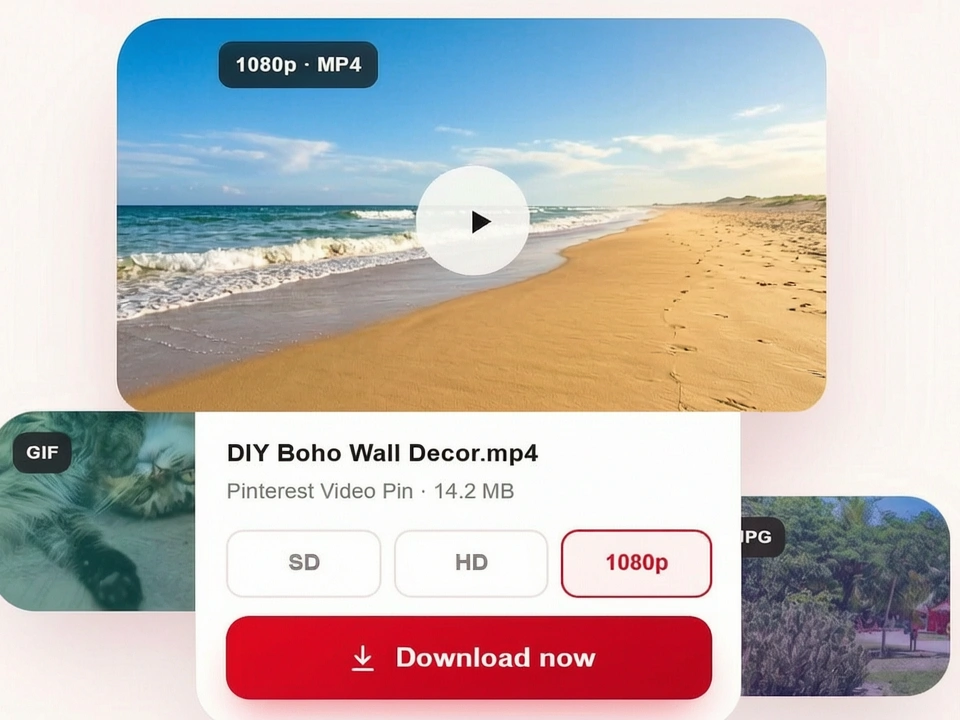
Fortunately, there are several ways to download Pinterest videos, ranging from simple online downloaders to desktop software, browser extensions, and screen recording. Each method works slightly differently and may suit different needs. In this guide, we'll introduce some of the most common options.
Popular Ways to Download Pinterest Videos
|
Method |
Download Method |
Best For |
|
1 |
Online Pinterest Downloaders |
Users who want quick downloads without installing software |
|
2 |
Screen Recording |
Users who cannot download a video directly |
|
3 |
Browser Extensions |
Users who want to download videos while browsing Pinterest |
|
4 |
Pinterest Video Downloader Software |
Users who download videos frequently or need advanced features |
The table above compares four common ways to download Pinterest videos. Below, we'll first look at online Pinterest video downloaders, followed by other options such as screen recording, browser extensions, and downloader software.
Online Pinterest Video Downloaders (Popular and Fast)
For users who want to save individual Pinterest videos without installing additional software, a Pinterest video downloader online is one of the most popular and fastest ways to do so. Tools such as Cubva, KlickPin, and SavePin can be accessed directly through a web browser. If you are looking for a free Pinterest video downloader or a Pinterest video downloader without watermark, check the tool's features and output quality before downloading. Open Pinterest and find the Pin containing the video you want to save. Copy the Pinterest video URL, paste it into the online downloader, and start the download.
The main advantage of online downloaders is their simplicity. They usually do not require software installation, account registration, or any technical knowledge, making them convenient for beginners and occasional users. In most cases, you can get the video within just a few minutes. However, their reliability may vary because they depend on Pinterest's current website structure. Therefore, it is important to choose a reliable and well-maintained downloader.
How to download online video from Pinterest?
Downloading a Pinterest video with an online downloader is a simple process that usually only takes a few steps. Using Cubva as an example, you can quickly download Pinterest videos by copying the Pin URL and pasting it into Cubva—no software installation or Pinterest login required.
The process usually involves the following steps:
Step 1: Copy the Pinterest Video URL
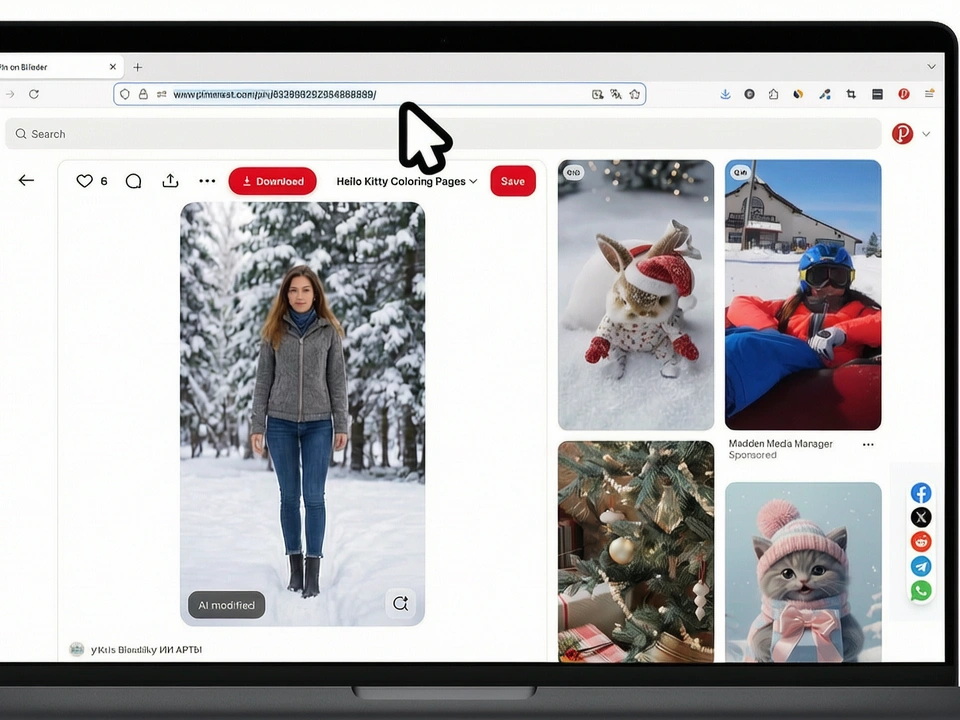
Click the Share button and select Copy Link to copy the Pin URL. Then, open Cubva in your browser and paste the copied URL into the input box.
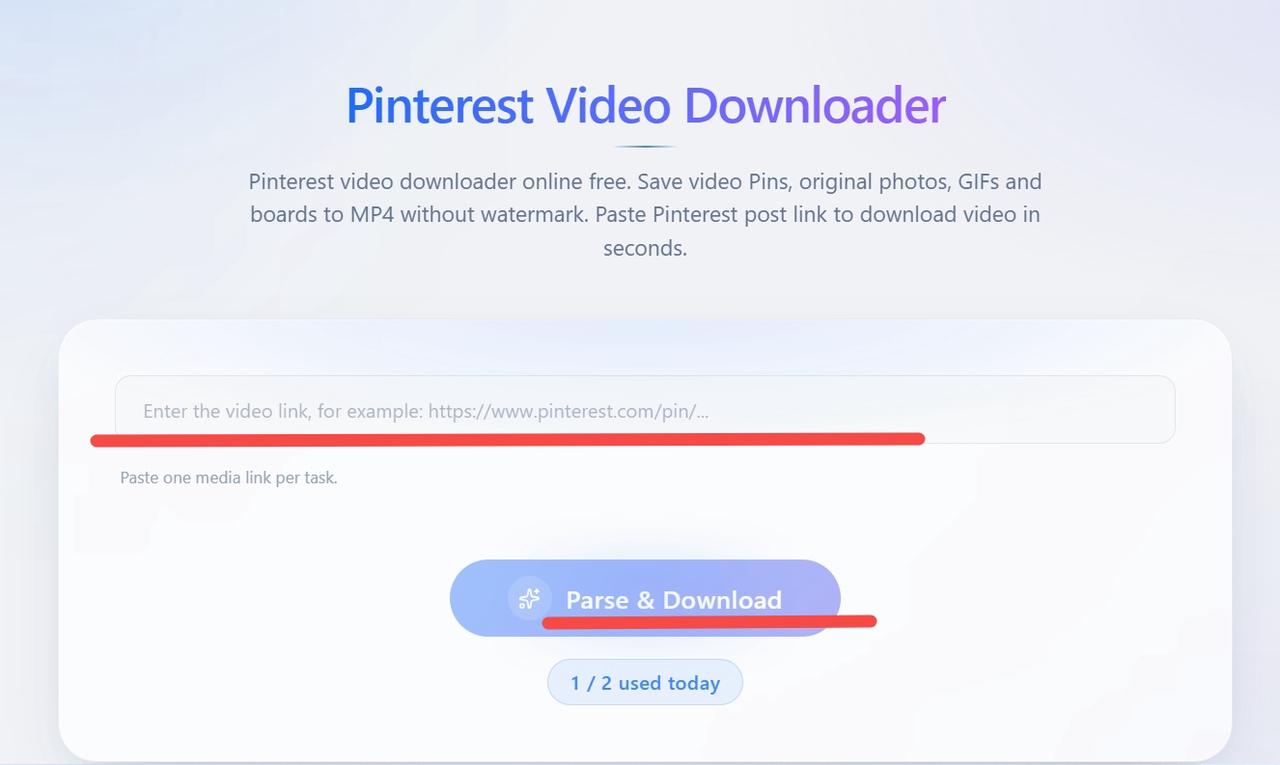
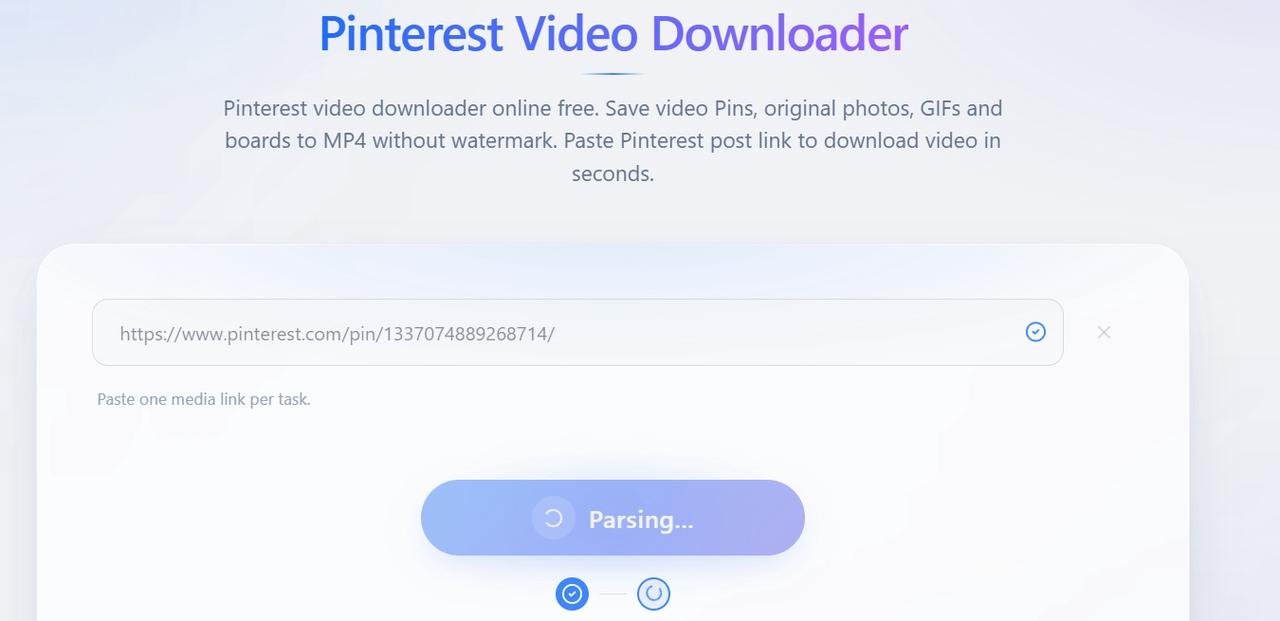
Step 2: Parse the Video
Click "Parse & Download" and wait for the parsing process to complete.
Step 3: Download
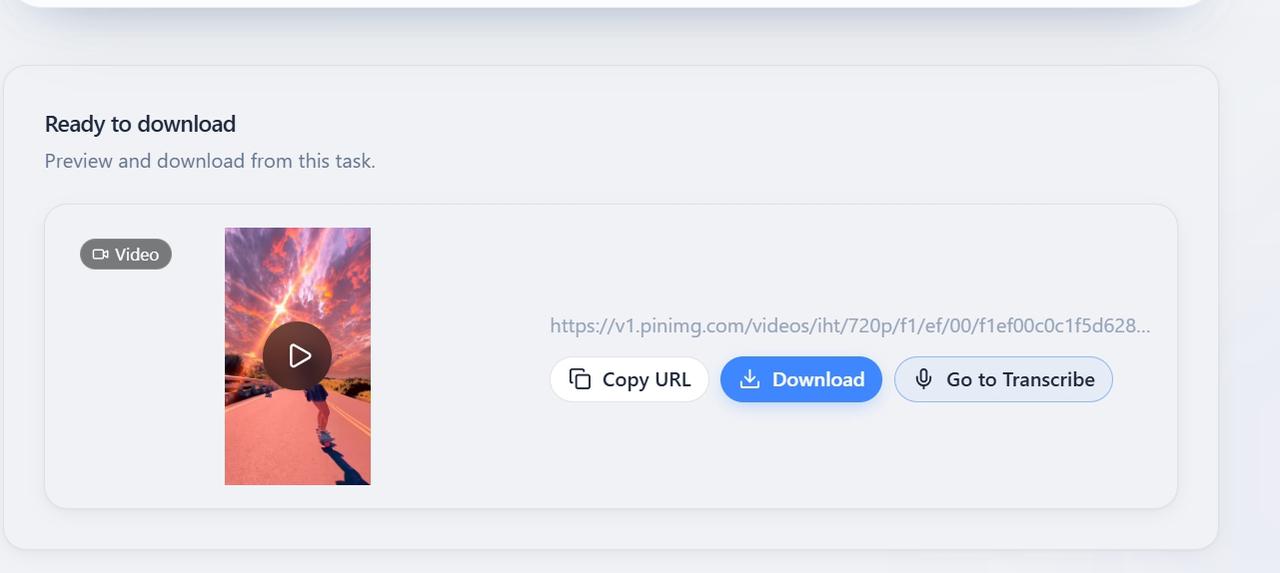
Preview the parsed video in Cubva, then click "Download" to save the video in MP4 format at the available original quality.
While an online downloader like Cubva is often the quickest option for saving Pinterest videos, it is not the only method available. Depending on your device and situation, you can also use screen recording, browser extensions, or dedicated downloader software. Each option has its own advantages and limitations, so choose the method that best fits your needs.
Other Common Ways to Download Pinterest Videos
Method 1: Screen Recording
Screen recording is a simple alternative when direct downloading is unavailable. Play the Pinterest video and use your phone or computer's built-in screen recorder to capture it. However, the recorded video may have lower quality and usually needs to be trimmed afterward.
Method 2: Pinterest Video Downloader Browser Extensions
Browser extensions let users download Pinterest videos directly while browsing. After installing an extension, open the video Pin and use its download option to save the video. Extensions are convenient for frequent downloads, but may stop working when Pinterest updates its website.
Method 3: Pinterest Video Downloader Software
Mobile apps and desktop software can download Pinterest videos directly to your device. Apps such as Video Downloader for Pinterest, Pinload, and PinSaver are designed for mobile users, while desktop tools such as VideoProc Converter allow users to paste a Pin URL and save the video. These tools are useful for frequent downloads, but may require installation, include ads, or limit some features to paid plans.
By now, you should have a clear understanding of how to download Pinterest videos. However, downloading isn't always necessary. If you only need Pinterest content for inspiration or reference, there is also an alternative approach you can consider.
Alternatives: Using Pinterest as a Mood Board Without Downloading
If you only need Pinterest content for inspiration, research, or mood boarding, you may not need to download the videos at all. Pinterest allows you to save Pins directly to boards, organize content by topic, and create collections for different projects. This can be a simple way to keep visual references organized while preserving the original source.
For presentations or collaborative projects, you can also share Pinterest Pin or board links instead of downloading and re-uploading the content. This keeps the original source accessible and makes it easier to maintain proper attribution.
Overall, whether you choose to use a third-party tool to download Pinterest videos or opt for an alternative method, always consider copyright and intended use. Make sure you have the necessary permission and use downloaded videos legally and responsibly.
Frequently Asked Questions
Is it illegal to download Pinterest videos?
It depends on how you use them. Downloading videos for personal offline viewing may be treated differently depending on local laws and the content's copyright status. Republishing, distributing, or using downloaded content commercially without permission may infringe the creator's rights.
Can I download Pinterest videos as MP4?
Yes. A Pinterest video downloader MP4 tool can help you save Pinterest videos in the widely supported MP4 format. If you want to convert a Pinterest video to MP4, simply copy the Pin URL, paste it into the downloader, and follow the download instructions. MP4 files are compatible with most phones, computers, tablets, and media players.
How to download Pinterest videos of the highest quality?
Cubva can help you download Pinterest videos of the highest quality available. A Pinterest video downloader HD may offer HD options when that quality is available from the original source. Simply copy the Pin URL, paste it into Cubva, and follow the download instructions to save the video to your device.
Do I need a Pinterest account or app to download videos?
No. You can download Pinterest videos directly through your web browser without installing a separate app or browser extension. In most cases, you simply need the URL of the Pinterest Pin you want to download.
Why can't I just right-click and save Pinterest videos?
Pinterest videos are not always exposed as directly downloadable files through the browser’s right-click menu. Online download tools such as Cubva, KlickPin, and SavePin can provide a simpler way to process the Pinterest URL and download the available video.
Does Cubva keep a copy of what I download?
No. Cubva does not store your downloaded files or the Pinterest links you submit. Your download is processed and delivered directly to you.