Transcribe Audio to Text - Free AI Audio to Text Converter Online
Cubva' free audio to text converter will turn audio into text you can actually edit. Upload MP3, WAV, M4A or a video file and AI audio transcription returns speaker labels and timestamps across 100+ languages. Download the result as PDF, Word, TXT, SRT, VTT, CSV or Excel, with nothing to install and free to start.
What is Cubva' Audio to Text Transcription?
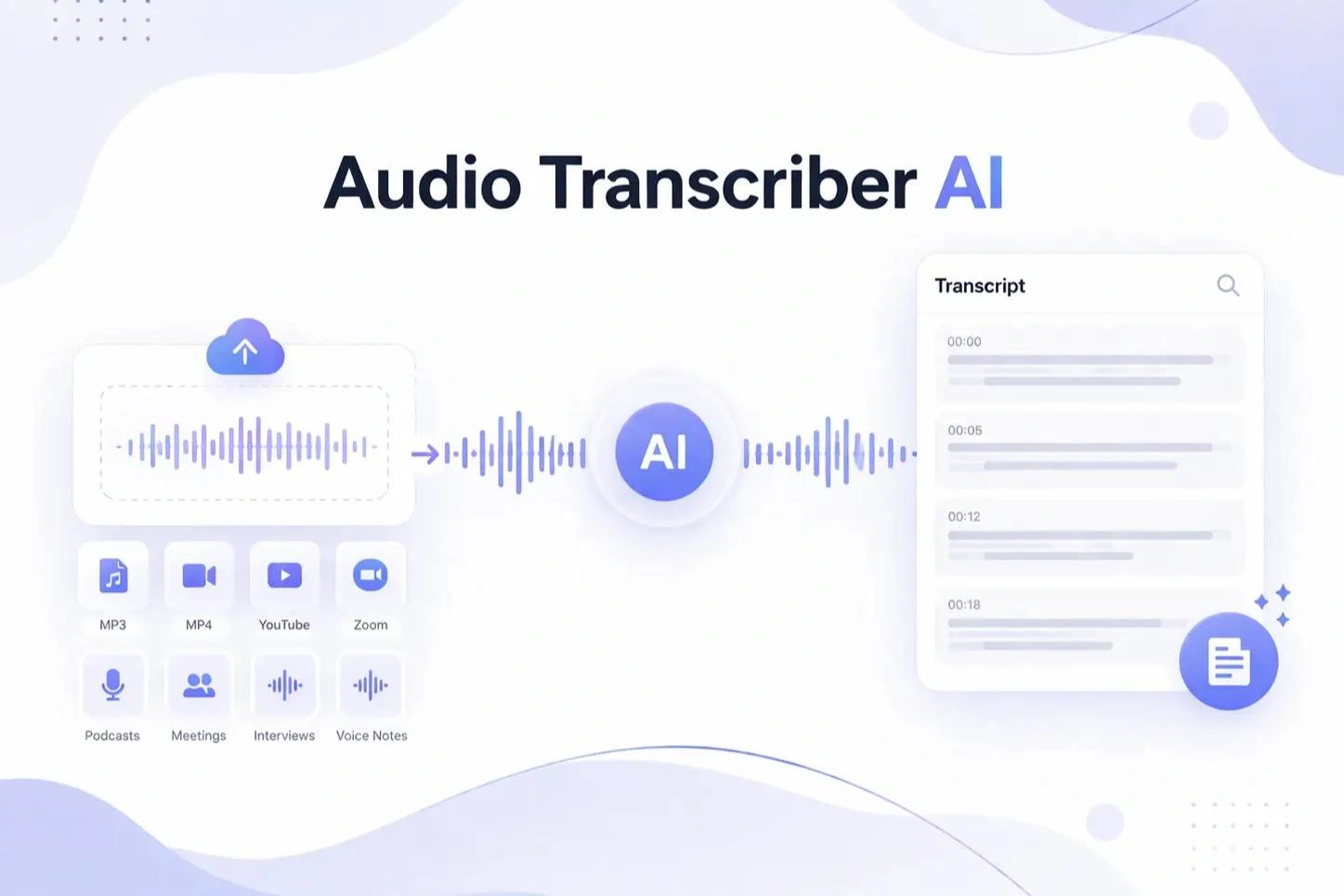
Cubva' audio to text transcription is an online transcriber that converts a recording into a document you can edit, search and download. Converting audio file to text works the same whether you upload MP3, WAV, M4A, AAC, FLAC, OGG, OPUS or WMA, and transcribe audio video to text runs on MP4, MOV, MKV and WEBM without a separate conversion step. An AI speech model detects the spoken language, restores punctuation and casing, separates each speaker and writes a start and end time against every segment. That structure is why a single transcription audio in text job can leave as a Word file, a PDF, plain TXT, an SRT or VTT subtitle track, or an Excel sheet.
How Does Cubva' Audio to Text Transcription Work?
1
Step 1: Upload Your Audio or Video File
Drag a file in or paste a link to begin. Transcribe audio file jobs accept MP3, WAV, M4A, AAC, FLAC, OGG, OPUS and WMA alongside common video containers, and a single audio recording to text upload can run for several hours.
2
Step 2: Choose Language and Speaker Settings
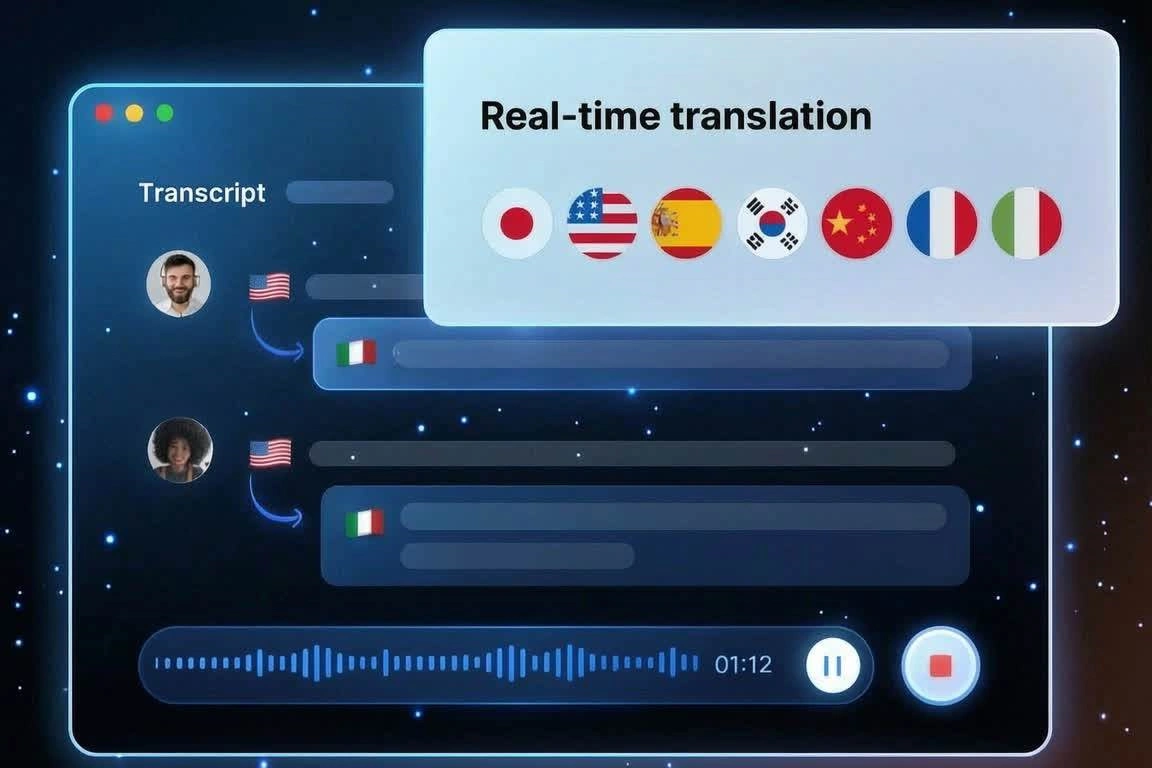
Leave detection on automatic or pick from 98+ languages when the recording is mixed. Switch on speaker recognition for interviews and meetings so voice recording transcription arrives as labelled turns, which is what makes voice to text transcription usable for quoting.
3
Step 3: Edit, Then Download Your Transcript
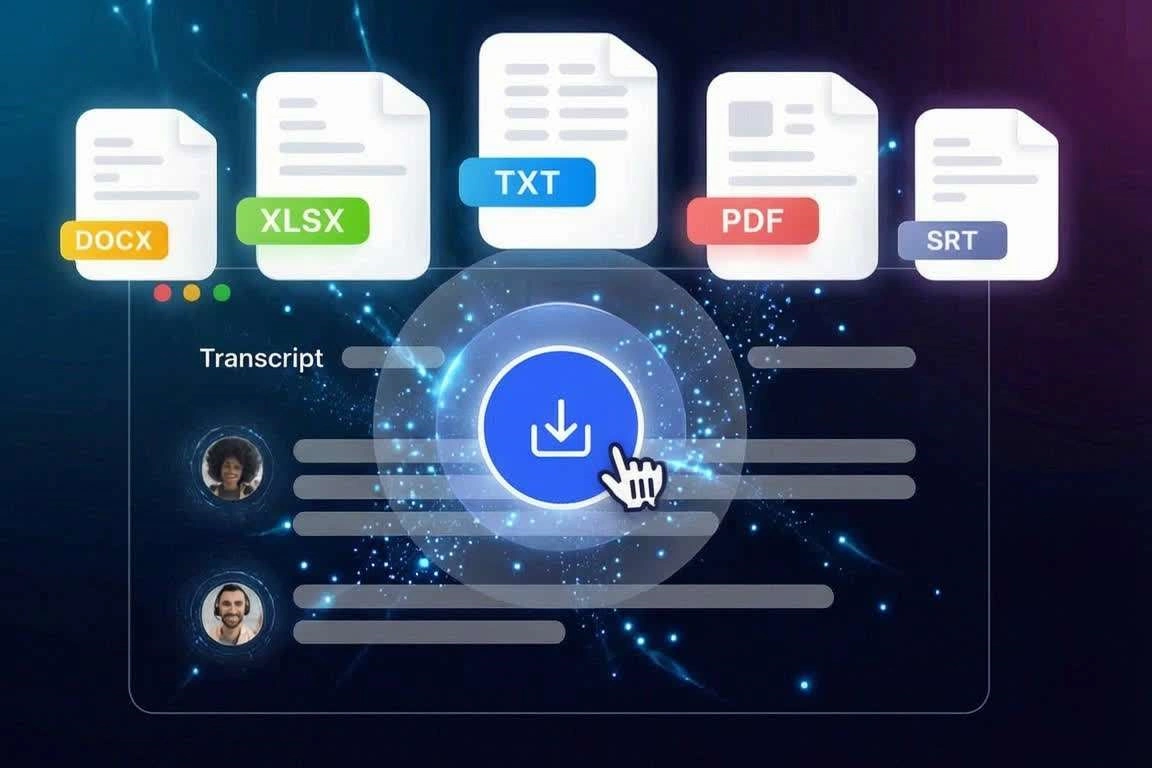
The transcript opens in an editor where you can correct names and trim filler before exporting. Converting audio to text ends with a download in PDF, DOCX, TXT, SRT, VTT, CSV, XLS or XLSX, and the audio to text converter online keeps the job available for a second format, free to start.
What You Can Do with Cubva' Audio to Text Transcription?
01
AI Audio Transcription for Interviews, Meetings and Calls
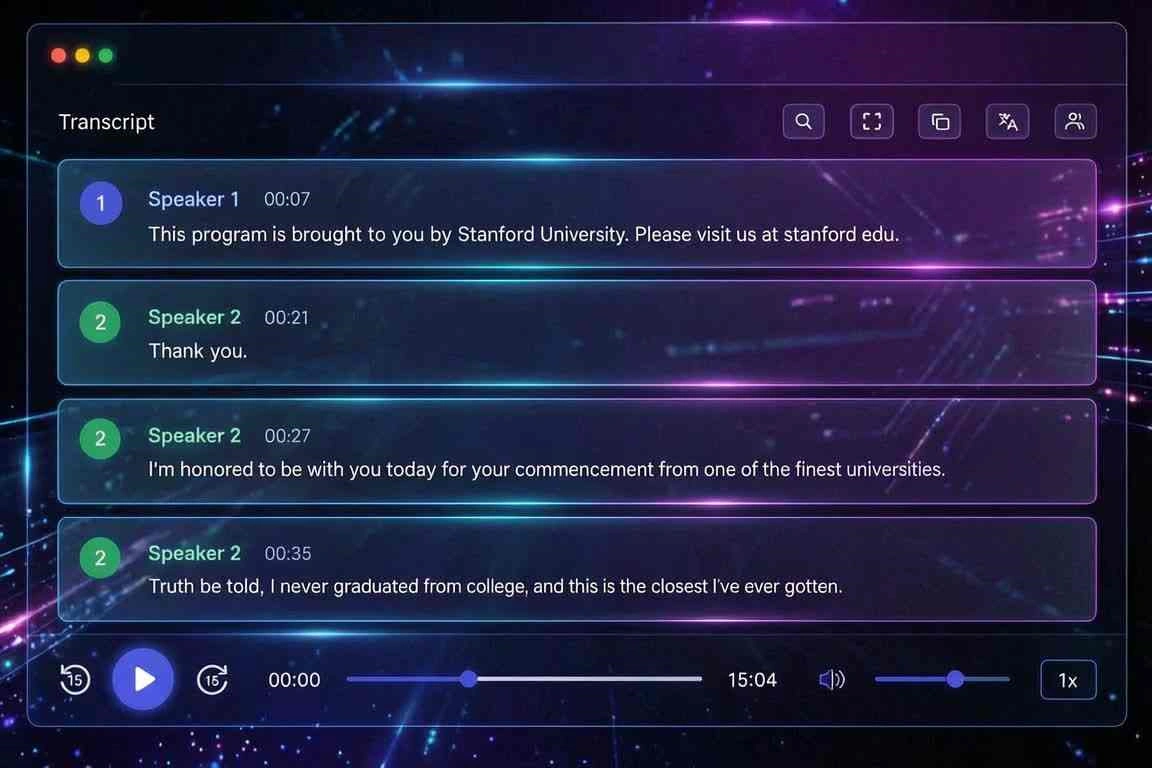
A two-hour interview typed by hand costs most of a working day, and a flat wall of text is barely easier to use than the recording itself. AI audio transcription splits the file into labelled speaker turns with a timestamp on each, so audio to text AI output reads like a script instead of a paragraph. Used as an audio transcript generator for calls and panels, it lets you transcribe audio recording to text and jump straight to the second a quote was said.
02
Voice Recording to Text from Phone Memos and Lectures
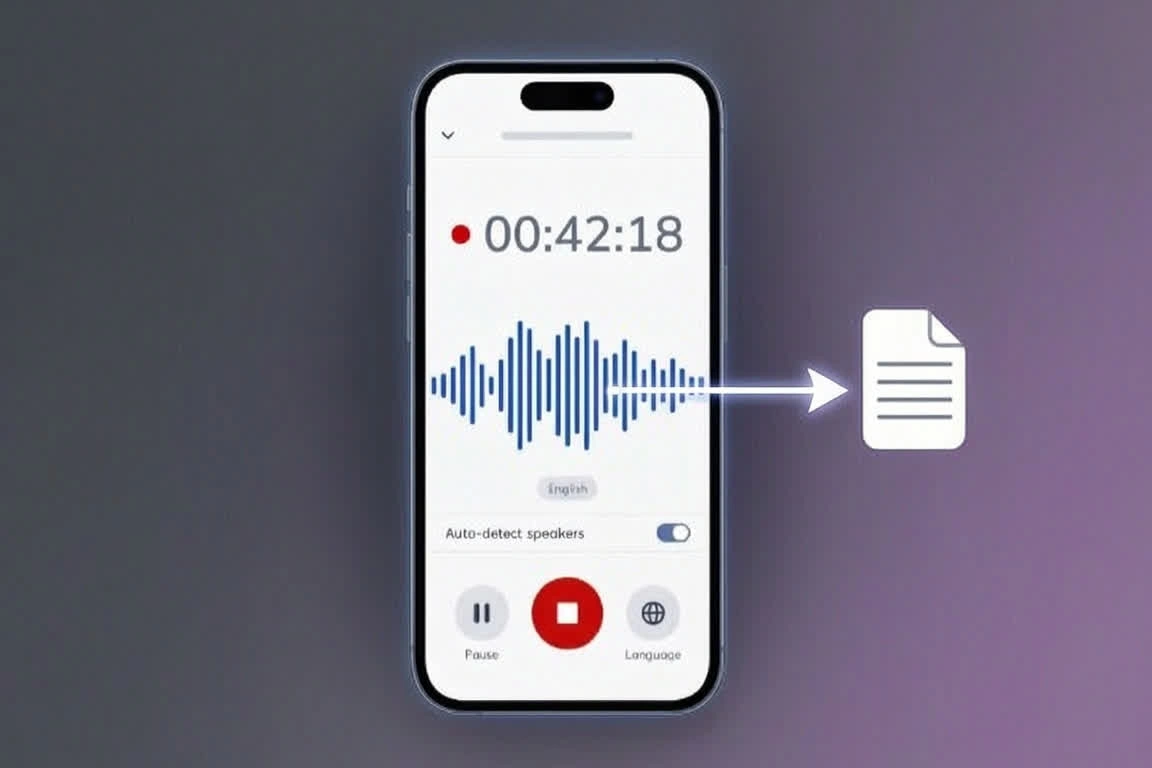
Phone memos, lecture captures and dictation notes pile up far faster than anyone replays them. Voice recording to text runs on those files directly, and the model restores punctuation and casing so a voice recording to transcript result is readable without a cleanup pass. As a voice to text converter for dictation it also keeps original timing, which means speech recording to text still points you to the exact minute a point was made.
03
MP3 to Text Converter for Podcasts and Long Audio Files
Podcast episodes, webinars and archived calls usually sit in MP3 or WAV with no searchable record attached to them. The mp3 to text converter reads the whole file rather than a preview clip, so convert mp3 file to text handles a two-hour episode as easily as a voice note, and WAV to text runs on uncompressed masters at the same accuracy. One mp3 to text transcription produces show notes, pull quotes and an archive you can still search months later.
04
Download Transcripts as PDF, Word, SRT, VTT and Excel
A transcript is only worth having in the format your next step needs. Cubva stores every segment as a row carrying a start time, an end time, a speaker and the text, so the same job exports as a formatted Word or PDF document, a plain TXT file, an SRT or VTT subtitle track that lines up without manual syncing, or CSV, XLS and XLSX when you want to filter and analyse what was said. Nothing is retyped between formats.
Who is Cubva' Audio to Text Transcription for?
Journalists and Researchers
Interviews, field recordings and focus groups need accurate quotes with a timestamp you can cite in the piece. Audio transcription online with speaker labels turns hours of tape into a searchable document well before the deadline moves.
Content Creators and Video Editors
Captions lift watch time and reach, but manual timing is the slowest job in any edit. Exporting SRT and VTT straight out of an audio to text transcription pass removes the sync work entirely.
Students and Academic Researchers
Lectures, standups and client calls all end up as recordings nobody ever revisits. A free transcription audio to text pass turns them into notes you can skim, search and share the same afternoon.
Why Choose Cubva' Audio to Text Transcription?
01
AI Audio to Text with Speaker Labels and Timestamps
Raw speech to text transcription with no structure is a wall of words that takes nearly as long to read as the recording ran. Cubva separates voices through diarization and attaches word-level timing, so every line carries a speaker and a position in the file. That timing is also the reason subtitle files align by themselves instead of being nudged into place by hand.
02
Every Audio Format In, Every Text Format Out
Most tools take a handful of inputs and hand back a single TXT file. Convert audio file to text here from MP3, WAV, M4A, AAC, FLAC, OGG, OPUS or WMA, transcribe speech to text out of a video, or transcribe sound to text from a field recording, then export the same job to PDF, DOCX, TXT, SRT, VTT, CSV, XLS or XLSX. Sound to text transcription and subtitle work stop being two separate tools.
03
Free Audio to Text Converter with No Install
There is no software, no plugin and no account setup standing between you and your first file. This free audio file to text converter runs in the browser, uploads over HTTPS and clears processed files from the servers afterwards, so an audio to text converter online free does not cost you the privacy of the recording. Free audio transcription here means the full file, not a three-minute sample.
Real User Reviews for Cubva' Audio to Text Transcription
4.9/5
From 4,318 Reviews
Best Free Audio to Text Converter Yet
I had tried four tools that capped the free tier at a few minutes each. Free audio to text here covered a full ninety-minute panel and the punctuation came back clean enough to publish from.
Clara BennettInvestigative Journalist
MP3 Transcription With No Cleanup
My episodes run two hours and every previous mp3 transcription needed an hour of fixing afterwards. This one arrived with speakers already split, so I edited for style rather than for errors.
Hugo MarchandPodcast Host
Voice Recording to Text in Minutes
I record lectures on my phone and used to leave them untouched for weeks. Turning a voice recording into text in a couple of minutes changed how I revise, because I can search a whole term of notes.
Yuki TanakaGraduate Student
SRT Export Saved My Subtitle Pass
Timing captions by hand was costing me an hour per video. The SRT dropped onto the timeline already aligned, and the VTT version worked on the web player without any edits.
Samuel AdeyemiVideo Editor
Excel Export Made Coding Interviews Easy
Every other tool gave me a document I then had to chop into a spreadsheet by hand. Getting XLSX with one row per segment, timestamps and speaker columns included, cut a full day out of my analysis.
Ingrid LarsenUX Researcher
Online Transcriber, No Software Needed
Our laptops are locked down so installing a desktop voice transcriber was never going to happen. Running it as an online transcriber in a browser tab got the whole team using it the same week.
Diego FerreiraOperations Manager
FAQs for Cubva' Audio to Text Transcription
Upload the file, let it process, then download the text in whichever format you need. Free transcribe audio to text runs without an account, and free online transcription audio to text covers the whole recording rather than cutting off after a sample the way most trial tools do.