
CubvaPricingBlog
Log inSign up
CubvaCubva

Turn hours of audio and video into accurate, searchable text — built for interviews, meetings, lectures and content.

support@cubva.com

Product

  • Home
  • Pricing
  • Blog

Legal

  • Privacy Policy
  • Terms of Service

© 2026 Cubva. All rights reserved.

WMA to MP3 Converter

Convert audio and video between supported formats in a few steps.

Select a file to convert

to

or drag and drop your file here.

Your file is uploaded securely for server-side conversion.
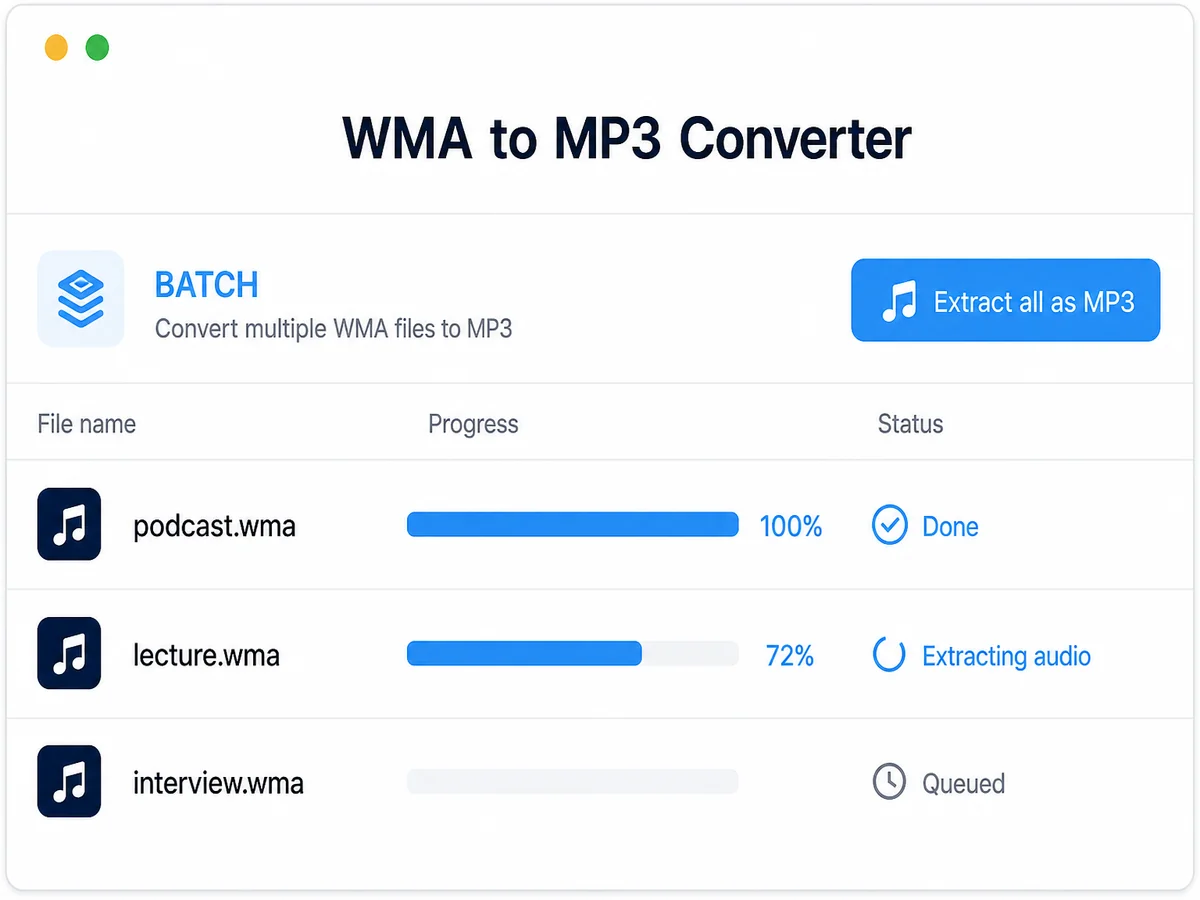
Free WMA to MP3 Converter Online in Seconds

Free WMA to MP3 Converter Online in Seconds

Old backup drives are full of WMA files ripped on a Windows PC years ago, and nothing outside that ecosystem will open them. Convert WMA to MP3 and the same recordings work on a Mac, a phone, or a car stereo. Free to start when a library needs to outlive the computer that made it.
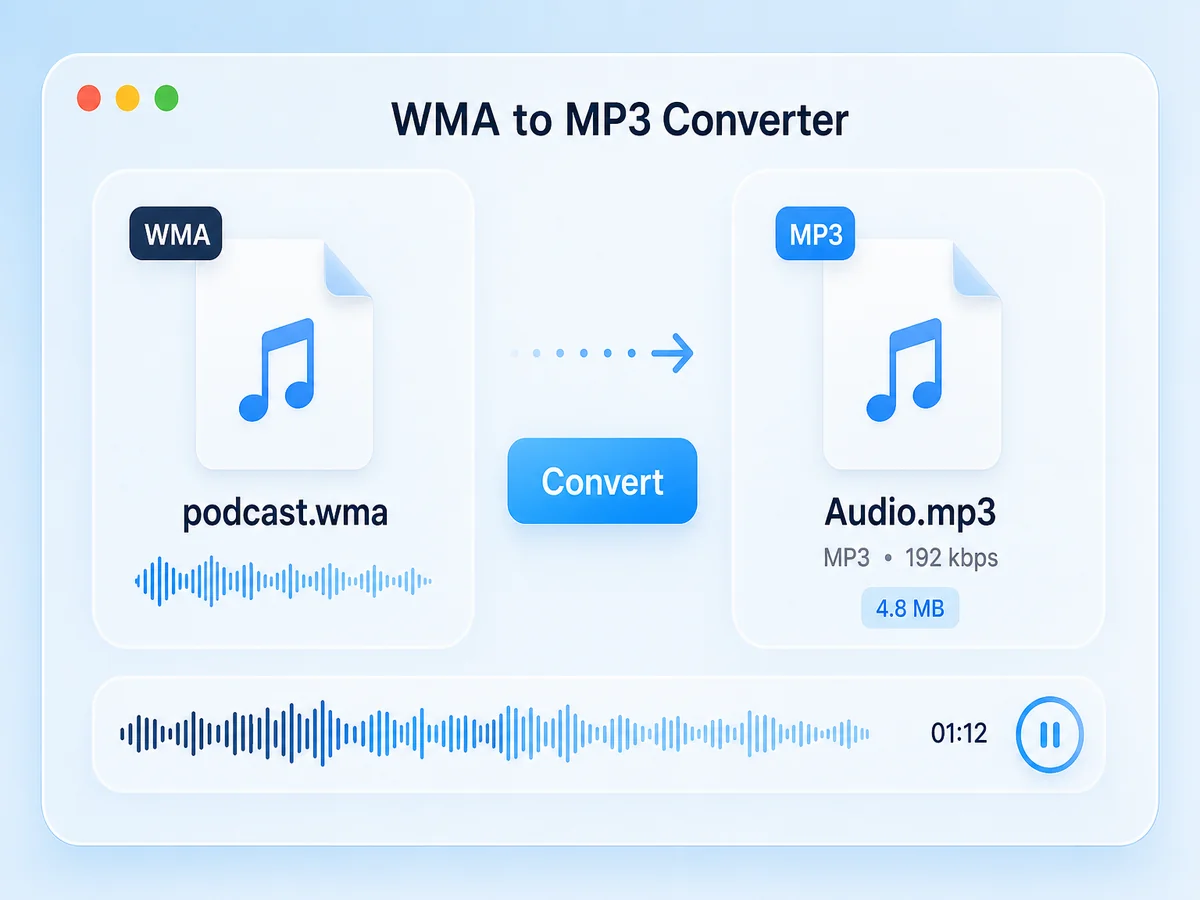
What is Cubva's WMA to MP3 Converter?

What is Cubva's WMA to MP3 Converter?

Cubva's WMA to MP3 converter is an online audio tool that converts Windows Media Audio files into MP3. Convert WMA to MP3 when a CD rip from an old Windows PC, a dictation recording, or an archived sermon will not open on a Mac, an iPhone, or an Android player. WMA was built for one ecosystem; MP3 plays almost anywhere. The job is audio to audio, so the recording carries over without a picture track. Cloud convert WMA to MP3 on this page, then download the new audio file. Batch conversion is available when a whole backup folder needs the same treatment.
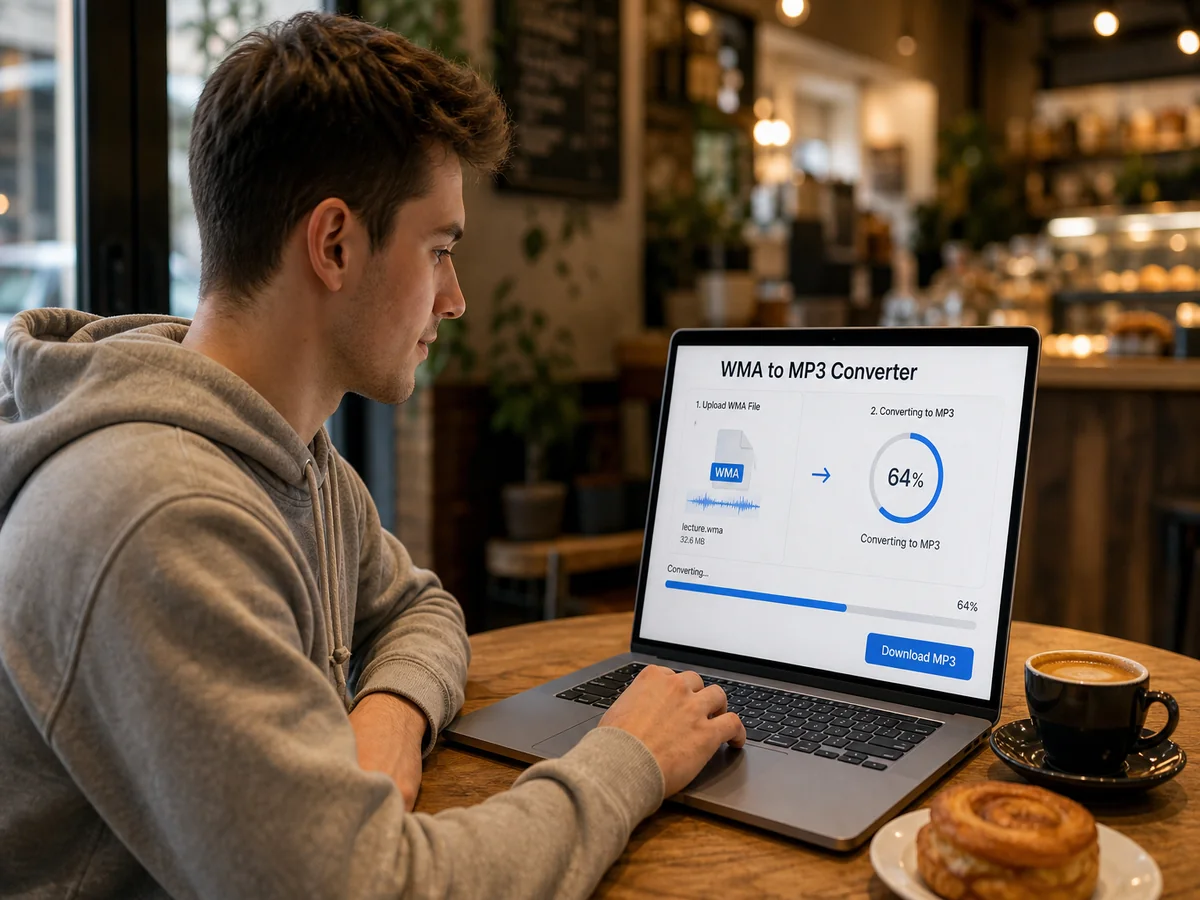
How Does Cubva's WMA to MP3 Converter Work?

  1. 1

    Step 1: Upload the WMA File

    Add a WMA track from an old library, a backup drive, or a recorder export. WMA file to MP3 starts with that file; you can queue a full folder at once.

  2. 2

    Step 2: Choose MP3 as the Output

    Keep format WMA to MP3 as the target. Change WMA to MP3 on the full recording, or set a trim if you only need one section of a long file.

  3. 3

    Step 3: Convert and Download MP3

    Preview the audio, then save. Convert WMA to MP3 free to start, and the original WMA stays on your drive.

What You Can Do with Cubva's WMA to MP3 Converter?

Convert Windows Media Audio to MP3 After Switching Computers
01

Convert Windows Media Audio to MP3 After Switching Computers

A library ripped on an old PC becomes unreadable the moment someone moves to a Mac or a phone. Convert Windows Media Audio to MP3 and every track opens in the new default player. Windows media audio file to MP3 is the usual step when a family archive has to survive a hardware change.
WMA to MP3 Audio Converter Without Installing Software
02

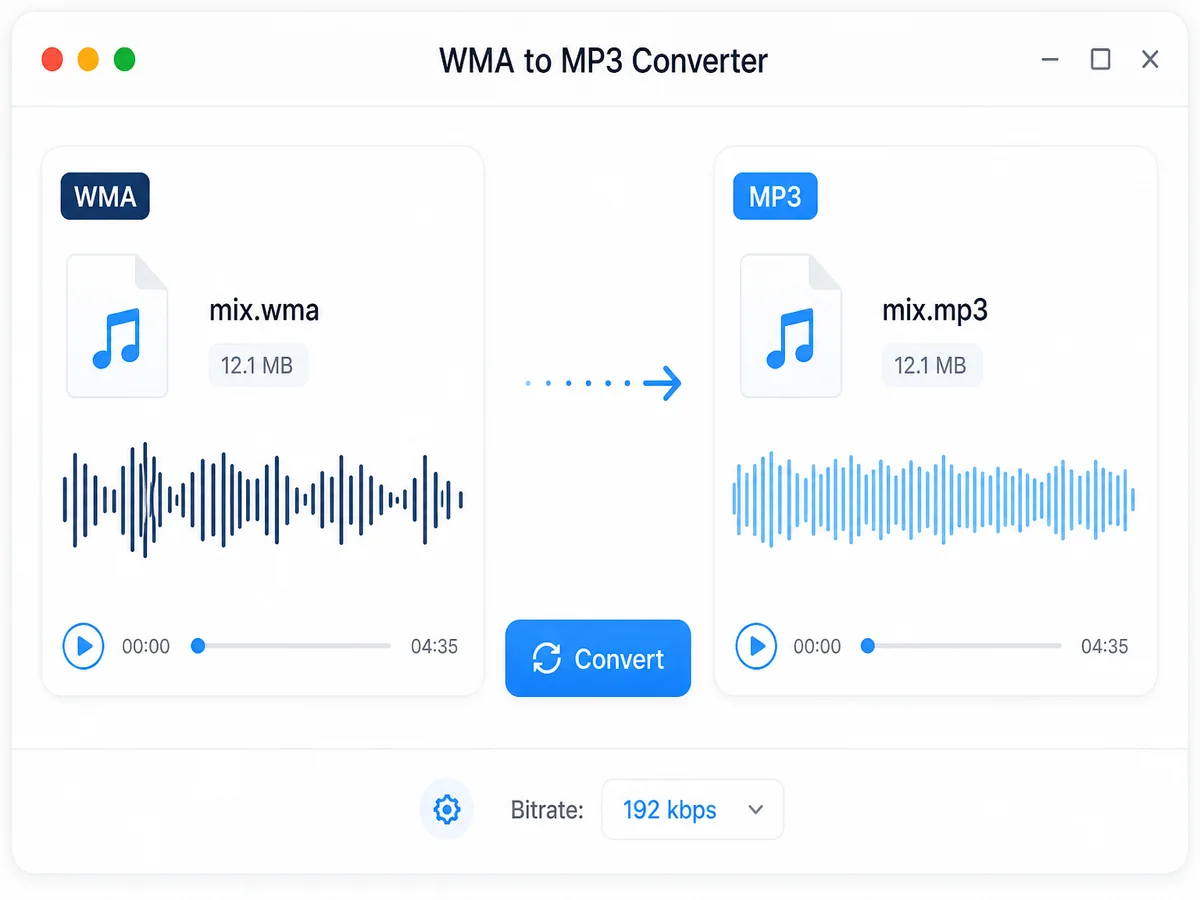
WMA to MP3 Audio Converter Without Installing Software

Searches for convert WMA to MP3 free software usually lead to a desktop installer, which is a problem on a locked or borrowed machine. This WMA to MP3 audio converter runs in a browser tab instead. A WMA to MP3 converter free download here means saving the finished MP3, not an installer package.
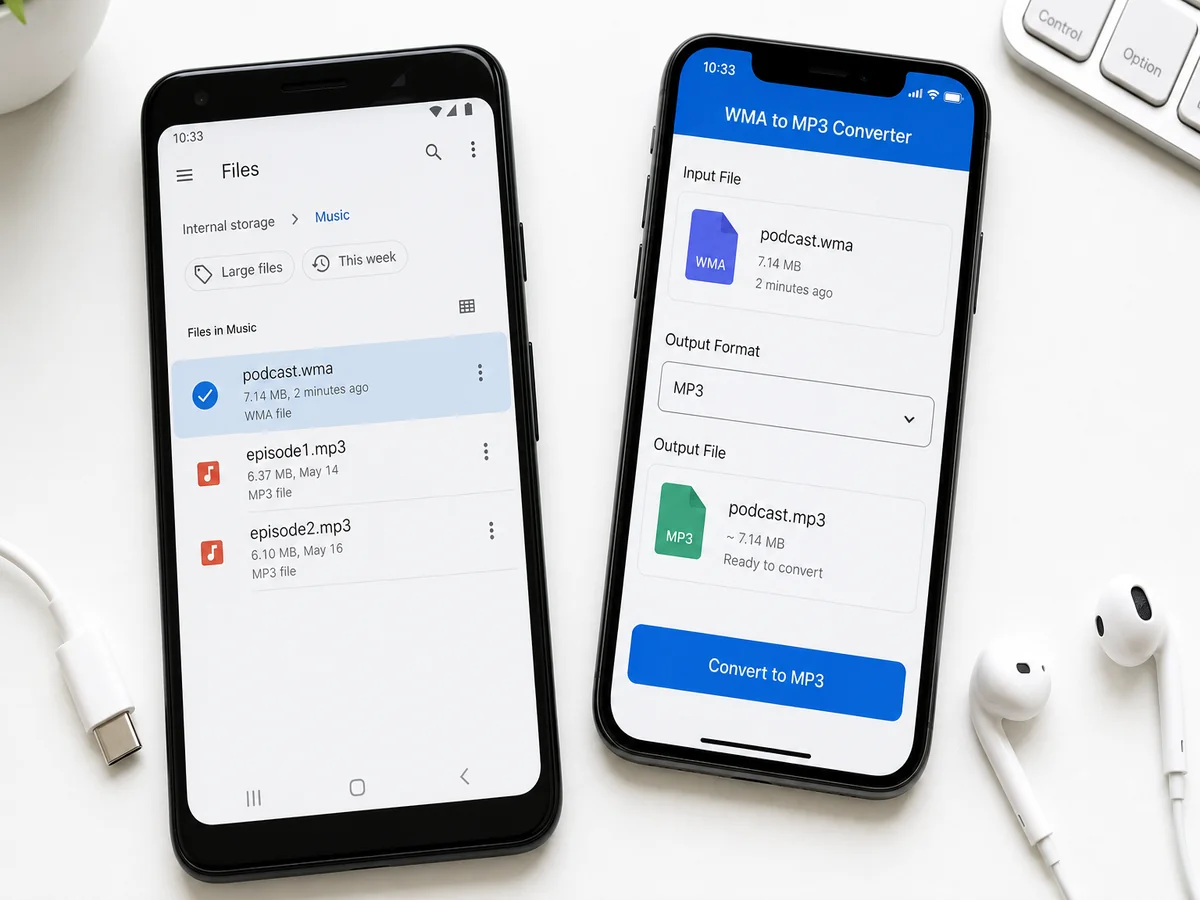
Convert WMA Files to MP3 Across a Backup Folder
03

Convert WMA Files to MP3 Across a Backup Folder

An old drive rarely holds one file. Queue the set and convert WMA files to MP3 in source order, so album numbering and dated recordings stay lined up. File WMA to MP3 conversion across a folder is what turns a dormant backup into something a phone or a shared drive can actually play.
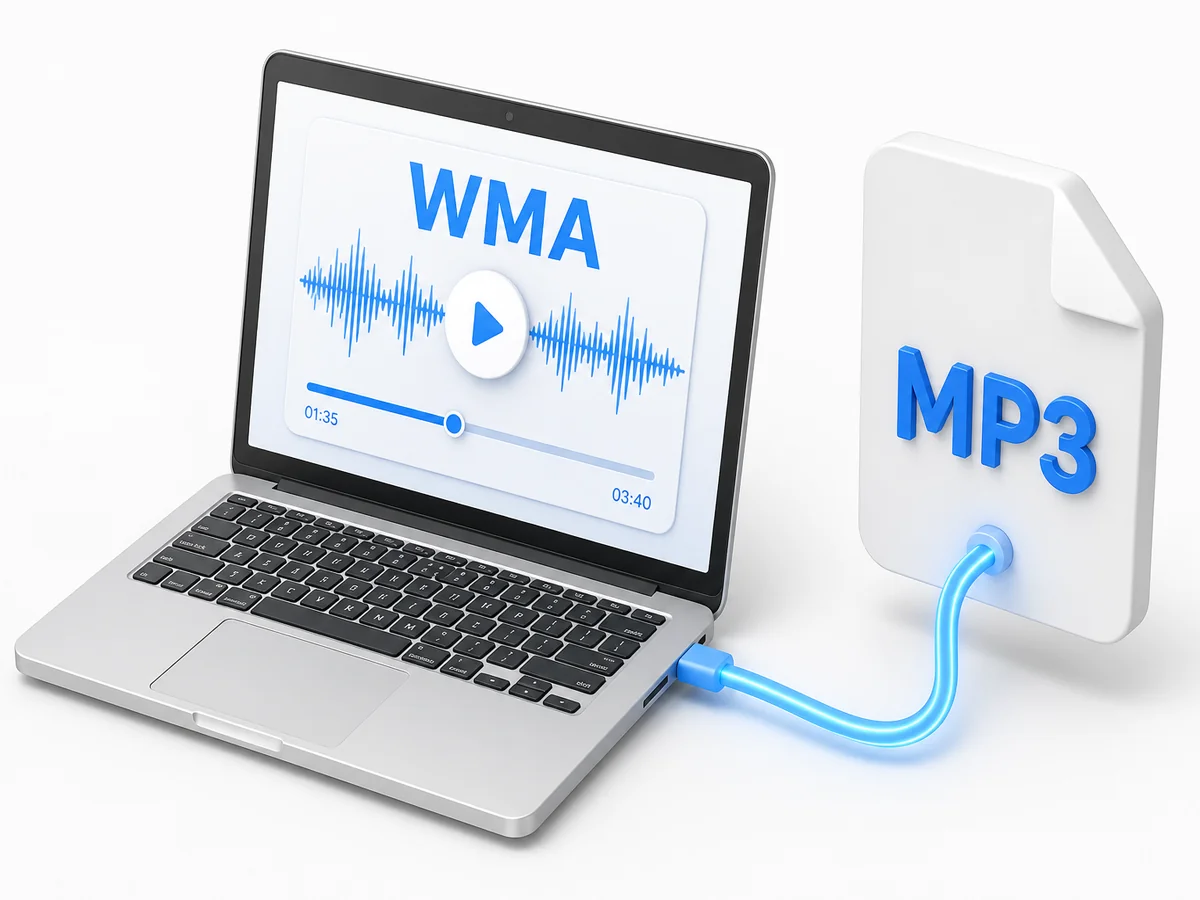
Cloud Convert WMA to MP3 in the Browser
04

Cloud Convert WMA to MP3 in the Browser

Cloud convert WMA to MP3 from this page: upload, convert, download. Change WMA to MP3 online when the machine holding the archive is not the one you are sitting at. An online WMA to MP3 converter run handles a single track or a short batch on the same flow.

Who is Cubva's WMA to MP3 Converter for?

Home Media Archivists

Family recordings and CD rips from the 2000s sit in WMA on a shelf drive. Transfer WMA to MP3 so relatives can play them on the devices they actually own.

Church Media Volunteers

Sermon archives were often recorded straight to Windows Media Audio. A free WMA to MP3 converter produces the file a podcast feed or a website player accepts.

IT Migration Specialists

Moving a department off legacy Windows machines means the audio has to move too. Convert WMA files to MP3 so nothing stays locked to the old workstation.

Why Choose Cubva's WMA to MP3 Converter?

01

Playback Outside the Windows Ecosystem

WMA was designed for one platform, which is why a Mac, an iPhone, and most car decks skip it. Convert WMA to MP3 and the file uses the format those players list first. Recipients do not need a media pack or a legacy player to hear it.

02

Old Archives Become Usable Again

Transfer WMA to MP3 and you get a second file while the original stays on the backup drive. That matters when a recording exists in exactly one copy and nobody wants to risk it. Format WMA to MP3 turns a dormant folder into something you can share, upload, or put on a phone.

03

No Legacy Converter to Install

A free music converter WMA to MP3 from the download sites is often abandoned software with bundled extras. This runs in the browser, so a WMA to MP3 converter online free job leaves nothing installed. WMA to MP3 free to start covers the full recording, not a preview clip.

Real User Reviews for Cubva's WMA to MP3 Converter

4.9/5

From 3,192 Reviews

  • Convert Windows Media Audio to MP3 for a Mac

    Dad ripped hundreds of CDs on his old PC and none of them opened on my laptop. Convert Windows Media Audio to MP3 brought the whole collection back.

    Hannah WhitfieldHome Media Archivist
  • WMA to MP3 Audio Converter With No Install

    Every free converter I found was an installer I could not run on the church laptop. WMA to MP3 audio converter worked in the browser and the sermon uploaded fine.

    Samuel AdeyemiChurch Media Volunteer
  • Convert WMA Files to MP3 From a Backup Drive

    Two hundred legacy files needed to move before the old workstations were wiped. Convert WMA files to MP3 kept the dated filenames exactly as they were.

    Elena PetrovaIT Migration Specialist
  • Cloud Convert WMA to MP3 From Another PC

    The archive lives on a machine I only reach remotely. Cloud convert WMA to MP3 let me handle it from a browser without touching that computer.

    Gordon LeachRecords Manager
  • Change WMA to MP3 for the Car

    My audiobook collection was all WMA and the head unit ignored the USB stick. Change WMA to MP3 and it played from the first track.

    Marta KowalskaLogistics Coordinator
  • Free WMA to MP3 Converter for Dictation

    Our old recorder still writes WMA and the transcription tool rejects it. Free WMA to MP3 converter fixed that step for good.

    Victor SalazarLegal Secretary

FAQs for Cubva's WMA to MP3 Converter

Upload the WMA file, keep MP3 as the output, convert, then download. Convert WMA to MP3 returns a new audio file. The original WMA stays on your drive.