
YouTube Channel Managers
Older uploads often have no usable captions. Transcribe YouTube video to text so a backlog can get show notes and a searchable page.
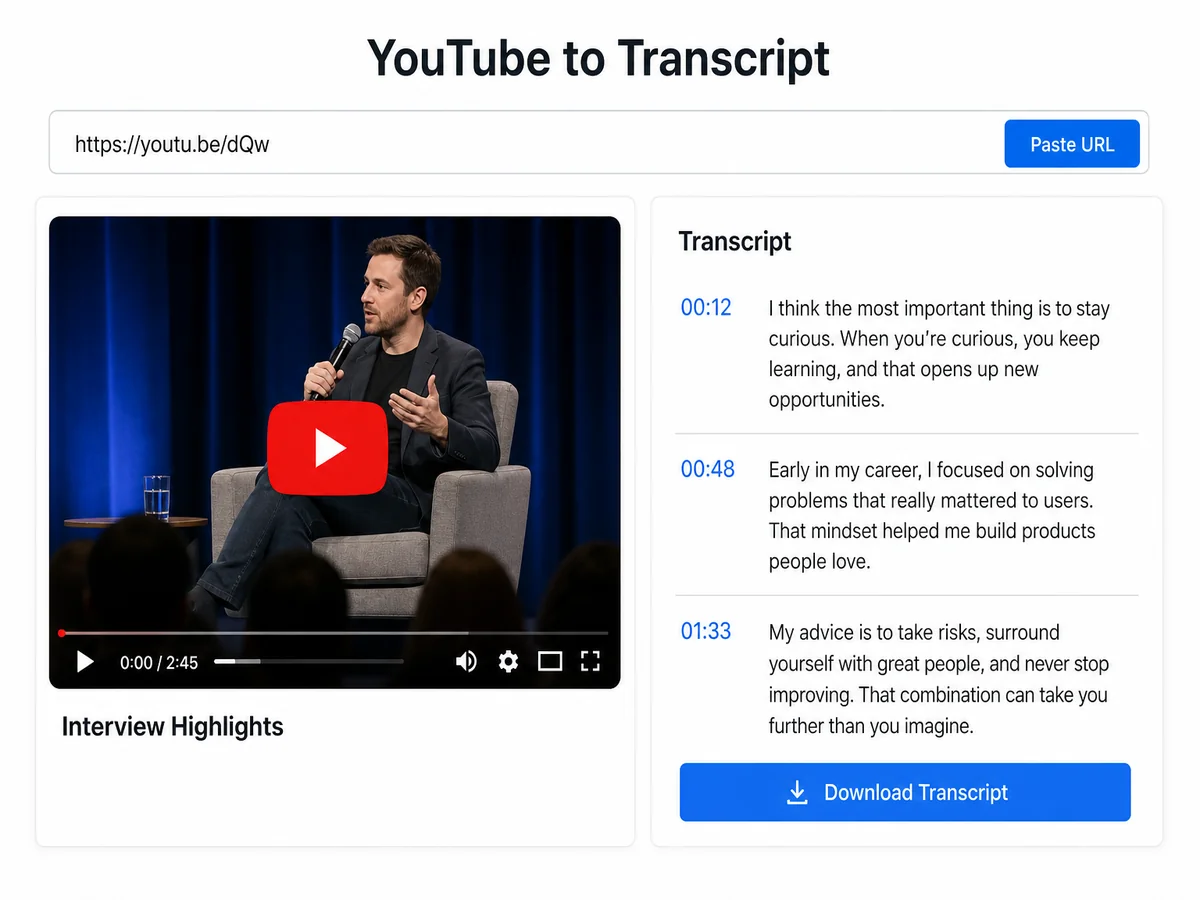
Cubva turns a YouTube link into a readable transcript in seconds. Get transcript from YouTube or transcribe a YouTube video, when captions are missing or messy.
Paste one media link per task.

YouTube's own transcript panel is hard to copy cleanly and auto captions often skip punctuation. Paste the link, transcribe the YouTube video and download TXT or SRT you can actually edit. Free to start when you need the words, not the video file.
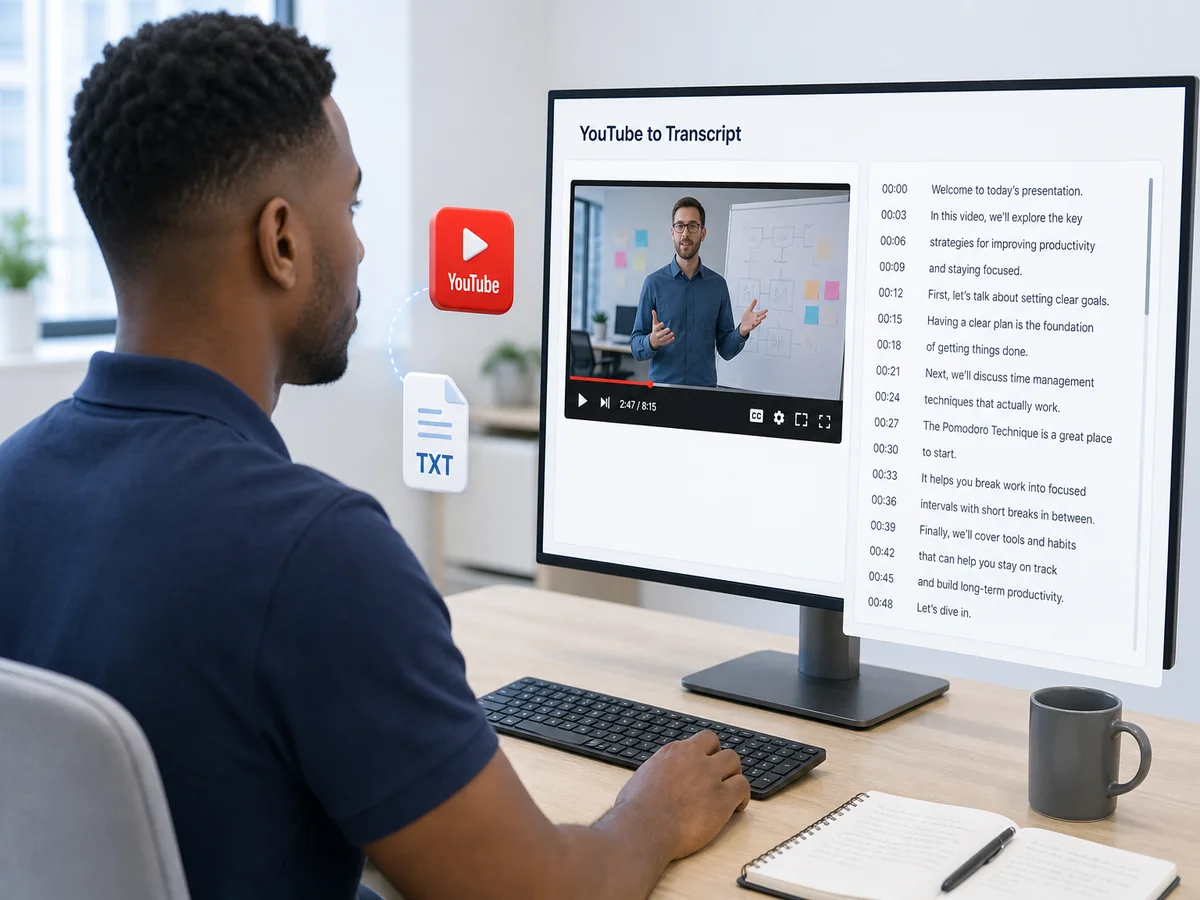
Cubva's YouTube to transcript tool is a YouTube transcriptor that turns a pasted watch link into readable text. Transcribe a YouTube video when the built-in caption panel is messy, empty, or impossible to export as a file you can edit. A YouTube transcript here is a clean document, not a copy-paste from the player sidebar. YT transcript jobs start from youtube.com, youtu.be, or Shorts URLs, then return YouTube video to text you can review on the page. Cloud processing pulls the soundtrack from the link, so you do not upload a local video file. Batch work is available when several public links need the same treatment.
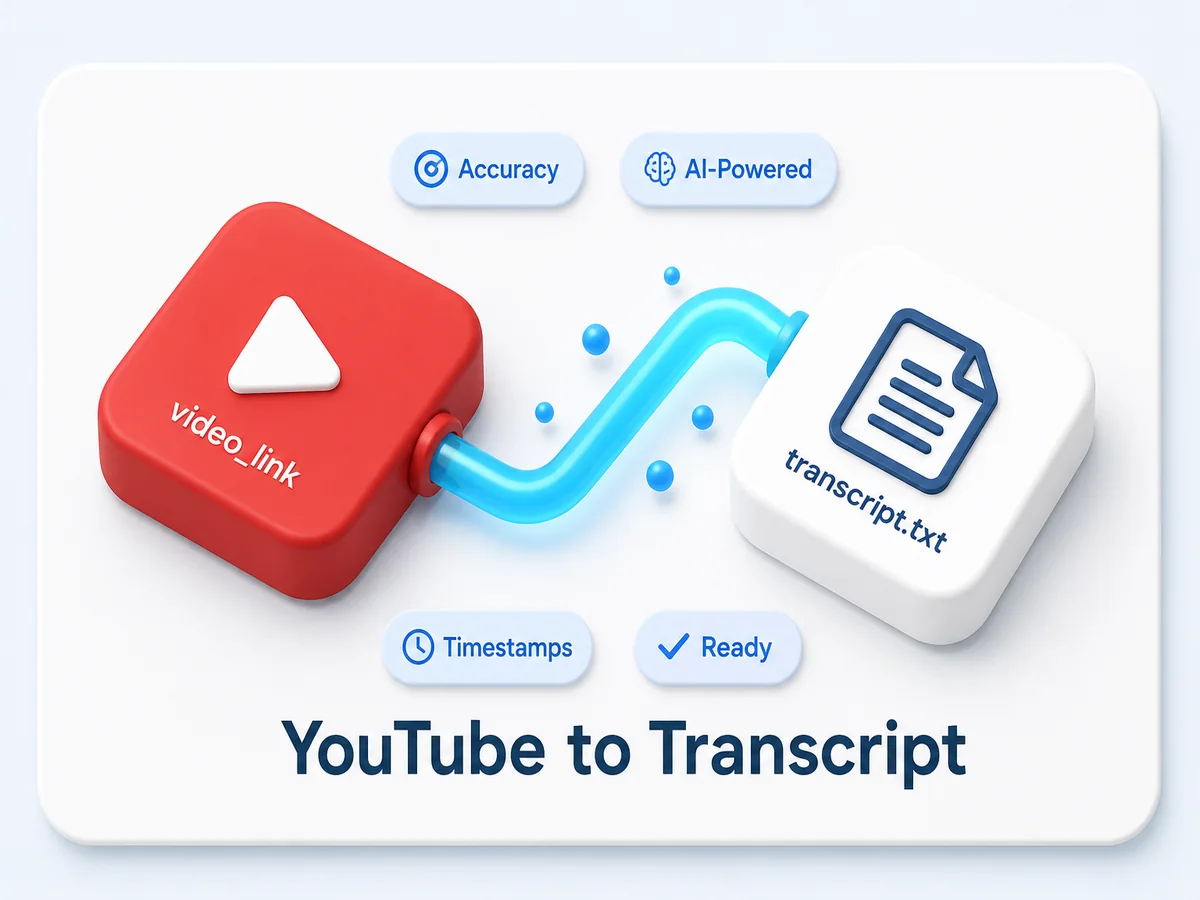
Copy the watch URL, a youtu.be short link, or a Shorts URL. YouTube link to transcript starts from that address; you do not download the video first.
Start the job and wait for the text to fill in. Transcript a YouTube video on the full runtime, or mark a range if you only need one chapter.
Review the wording, then save YouTube video to TXT for notes or YouTube video to SRT for captions. YouTube transcript free to start, and the original video stays on YouTube.

Studio captions are awkward to lift into a document. Download transcript YouTube output as a file you can open in a editor or a caption tool. YouTube video to TXT is the notes copy; YouTube video to SRT keeps cue timing for a subtitle pass. Download YouTube video transcript here means the text file, never the MP4.
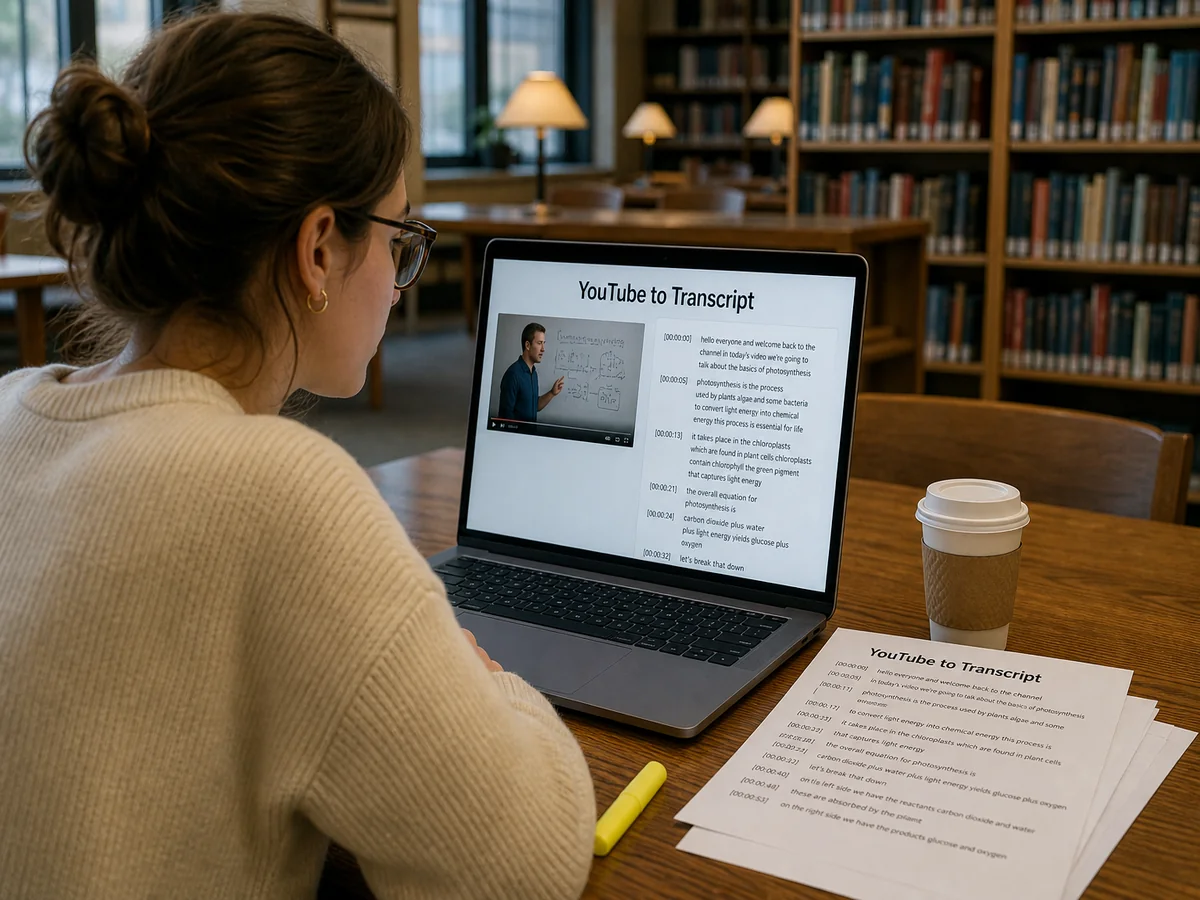
Plenty of talks have no captions, or the auto track is one long string. Get transcript from YouTube and you still get a readable page of speech. Transcript from YouTube video jobs do not depend on the creator having uploaded an SRT. Extract transcript from YouTube the same way whether the player shows a caption button or not.
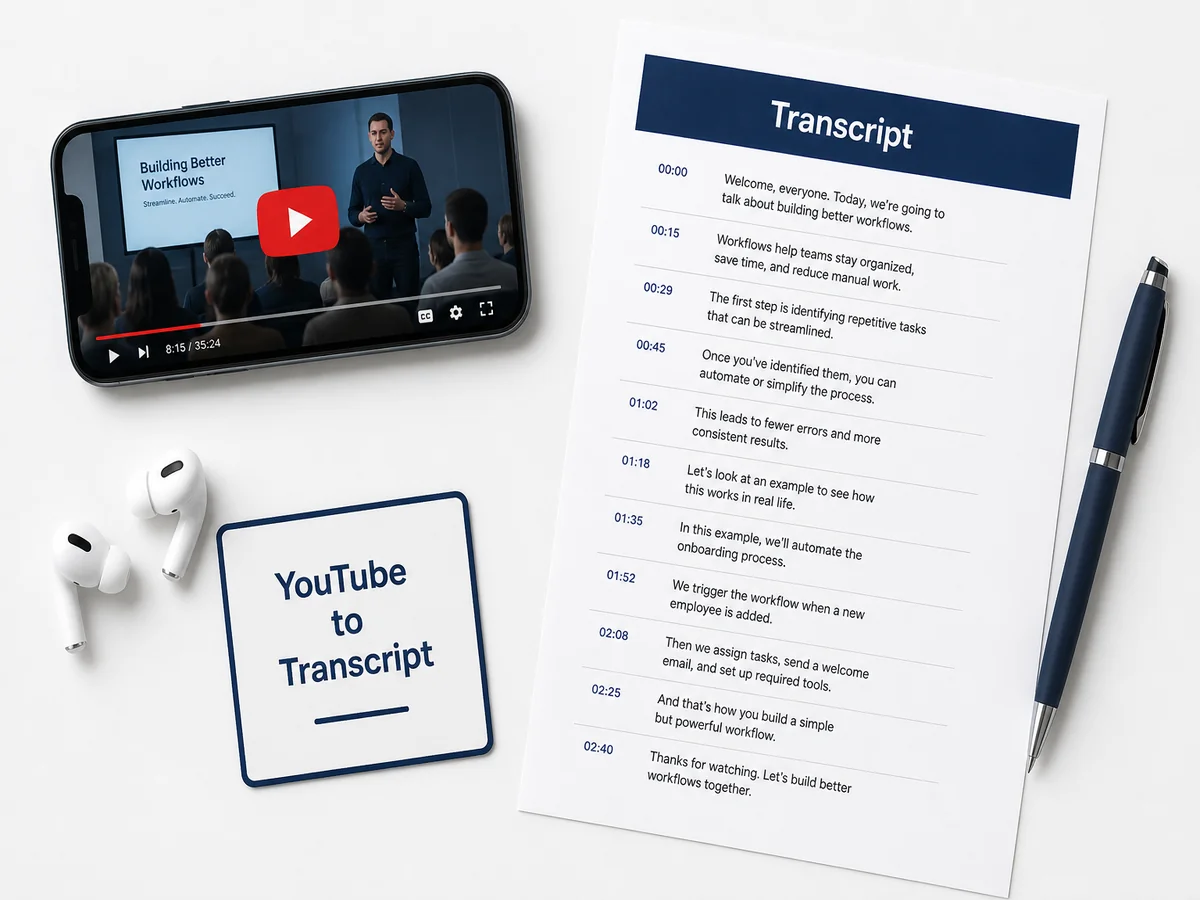
A lecture or a product demo is faster to quote once it is on the page. YouTube video to text transcription gives you sentences you can highlight, search, and reuse. Converting YouTube video to text is the usual step before a recap, a study note, or a show-notes draft. YouTube video into text keeps the spoken points without scrubbing the timeline again.
YT to transcript is the short path: copy, paste, wait. YT video to transcript works from a standard watch URL or a compressed share link. YouTube get transcript from that address without opening a desktop editor. Transcribing a YouTube video this way is built for one public link or a short queue of them.
Older uploads often have no usable captions. Transcribe YouTube video to text so a backlog can get show notes and a searchable page.
A claim is easier to pin down in writing. YouTube transcript free access to the spoken lines beats scrubbing a two-hour stream by hand.
Assigned talks need a reading copy for students who cannot watch again. Transcript for YouTube videos becomes the handout that sits next to the link.
The player sidebar dumps words with almost no punctuation. A YouTube text transcript from this page is a document you can correct, search, and quote. Transcript of a YouTube video should read like notes, not like a raw caption dump.
Download transcript from YouTube means saving TXT or SRT. Transcript YouTube download and YouTube download transcript point at the text file, not an MP4. Download YouTube video script the same way when you only need the spoken lines for an edit.
YouTube to transcript free and free YouTube transcription describe a browser job: paste, transcribe, download. Transcribe YouTube video free to start covers the full public video, not a teaser clip. You skip uploading a large local file when the talk already lives on YouTube.
From 3,126 Reviews
Studio would not give me a clean caption file for an old upload. Download transcript of YouTube video as SRT and I finally had something to edit.
I needed the exact wording from a live stream. Get transcript from YouTube video let me search the line instead of watching it twice.
Students asked for a reading copy of a guest lecture. Transcript YouTube video to text became the handout next to the original link.
I was on a laptop with no space for a 2 GB download. YouTube link to transcript gave me the words from the URL alone.
The creator never uploaded captions. Extract transcript from YouTube video still produced a page I could quote in the recap.
I only needed one talk turned into notes. Transcribe YouTube video to text free was enough to finish the outline the same afternoon.