
CubvaPricingBlog
Log inSign up
CubvaCubva

Turn hours of audio and video into accurate, searchable text — built for interviews, meetings, lectures and content.

support@cubva.com

Product

  • Home
  • Pricing
  • Blog

Legal

  • Privacy Policy
  • Terms of Service

© 2026 Cubva. All rights reserved.

YouTube Video Downloader

Cubva's free YouTube video downloader, just paste a link and save YT video as MP4, MP3 and WAV files. Save 4K, 1080p and Shorts online in your browser instantly, no app install.

Paste one media link per task.

Free YouTube Downloader - Save YouTube to MP4, MP3 and WAV Online

Free YouTube Downloader - Save YouTube to MP4, MP3 and WAV Online

Paste any YouTube link and Cubva turns it into a ready-to-save file in seconds. This YouTube video downloader keeps the full 4K or 1080p stream for video, and pulls clean audio when you only need an MP3 or WAV track. Everything runs in your browser, so there is nothing to install and it is free to start.

What is Cubva' YouTube Video Downloader?

What is Cubva' YouTube Video Downloader?

Cubva' YouTube video downloader is an online tool that turns a YouTube link into a downloadable video or audio file. Instead of a desktop app or a browser extension, it works from a single input box: paste the URL, pick a format, and save the result. Because YouTube stores high-resolution video and audio as separate streams, the converter remuxes them back together, so a 4K or 1080p MP4 arrives with sound already in sync. When you only need the soundtrack, the same link becomes a 320 kbps MP3 or an uncompressed WAV. Standard uploads, Shorts and full playlists all use the same workflow.

How Does Cubva' YouTube Video Downloader Work?

  1. 1

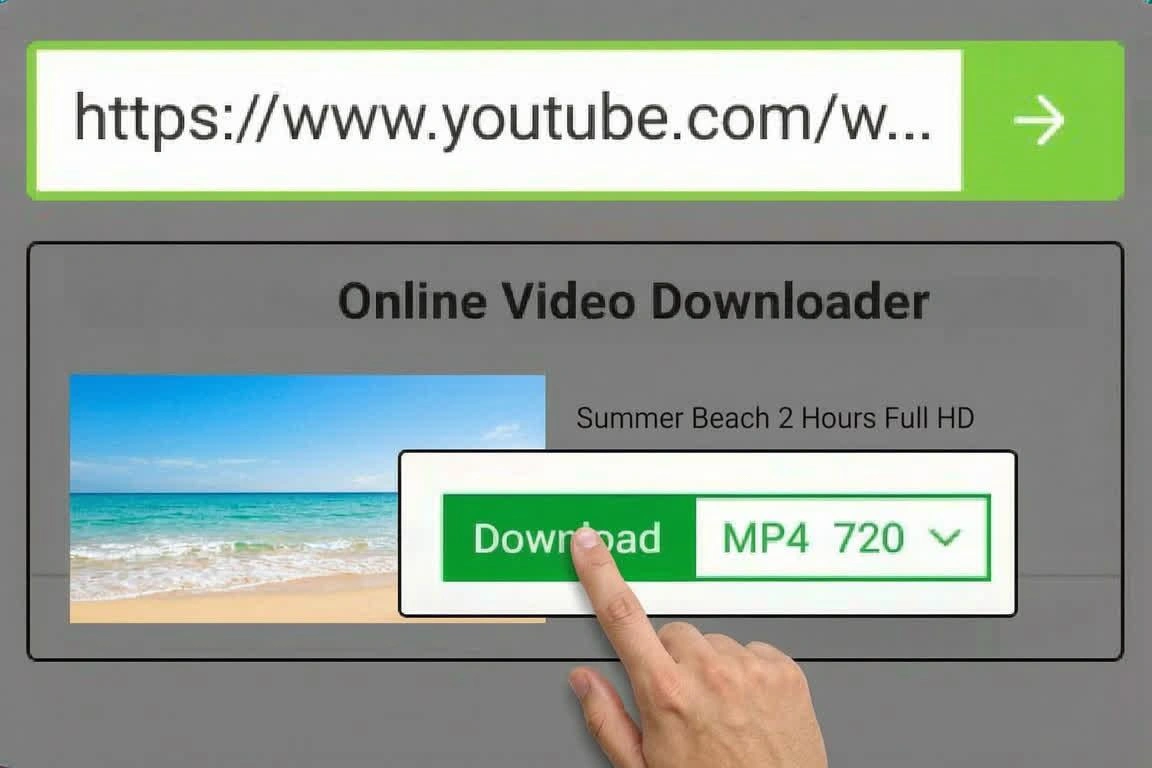
    Step 1: Paste the YouTube Link

    Copy the URL of any YouTube video, Short, or playlist from the mobile app or your address bar, then paste it into the search field. Cubva reads the link and loads every stream that upload actually has.

  2. 2

    Step 2: Choose Your Format and Quality

    Pick MP4 for video from 360p up to 1080p, or switch to the audio side for MP3 and WAV. The list shows the real resolutions and bitrates published for that video, so a 720p upload is never sold to you as a 4K download.

  3. 3

    Step 3: Generate, Preview and Download

    Cubva merges the selected video and audio streams, shows the finished file size, and returns a direct download link. Files land straight on your device, and you can come back for a second format anytime, free to start.

What You Can Do with Cubva' YouTube Video Downloader?

Download YouTube Videos in 4K and 1080p
01

Download YouTube Videos in 4K and 1080p

Tutorials, product reviews, and concert uploads lose most of their detail when a downloader quietly caps out at 720p. Cubva reads the full resolution ladder attached to the upload and lets you take the real 1080p or 4K stream, then pairs it with the matching audio track so the MP4 stays in sync. Frame rate is preserved too, which is what keeps 60fps gameplay and sports clips watchable.

Convert YouTube to MP3 or Lossless WAV Audio
02

Convert YouTube to MP3 or Lossless WAV Audio

Interviews, lectures, and music sets are often more useful as audio you can play with the screen off. The YouTube to MP3 converter drops the video layer and encodes the soundtrack at up to 320 kbps, while the WAV option exports uncompressed PCM for editing in a DAW. Track title and thumbnail carry over as metadata, so your offline library stays labelled instead of filling up with numbered files.

Save YouTube Shorts at Native Vertical Quality
03

Save YouTube Shorts at Native Vertical Quality

Vertical clips are encoded differently from standard uploads, which is why so many tools hand them back letterboxed, stretched, or stamped with an overlay. Cubva detects the 9:16 source and downloads the Short at its original aspect ratio and resolution, with nothing burned into the frame. Anything people search for as YouTube reels or story clips is handled the same way, so saved footage is ready to reuse without a re-crop pass.

Batch Download Playlists and Multi-Part Series
04

Batch Download Playlists and Multi-Part Series

Saving a 40-video course one link at a time is the fastest way to give up halfway. Paste the playlist URL and Cubva queues every entry, applies your chosen format once, and processes the list in published order so the numbering still makes sense offline. You can remove individual items before the queue starts, which helps when only a few chapters of a long series are worth keeping.

Who is Cubva' YouTube Video Downloader for?

Students and Online Learners

Lecture recordings and tutorial playlists are not always available offline, and campus or dorm wifi is not always cooperative. Saving a series as MP4, or as an MP3 for commute listening, keeps the material with you when the connection is not.

Video Editors and Content Creators

Editors need source clips at full resolution and audio clean enough to drop straight onto a timeline. A genuine 4K MP4 plus a lossless WAV export removes the re-encode step before a project even starts.

Everyday Viewers on Phones and Laptops

Flights, commutes, and mobile data caps all make an offline copy worth having. The whole workflow runs in a browser on Windows, macOS, Android, or iPhone, so there is no app to install just to keep one video.

Why Choose Cubva' YouTube Video Downloader?

01

Source Quality, Not a Re-encoded Copy

Many converters re-render the video, which softens fine detail and stacks another generation of compression on top of the original. Cubva pulls the streams as they were stored and only rebuilds the container, so a 4K download stays as sharp as the upload it came from. Audio-only exports skip the video pass entirely and keep the full available bitrate.

02

One Link, Every Format You Actually Need

The same input box handles standard videos, Shorts, and playlists, and the same link can leave as MP4, MP3, or WAV. Moving from a 1080p video download to an audio-only file is one click, not a second tool and a second paste.

03

Browser-Based, No Install, No Account

Nothing gets installed, no sign-up is required, and no extension sits in your browser watching the pages you open. Converted files are delivered over HTTPS and cleared from the servers automatically after your download, and the tool is free to start.

Real User Reviews for Cubva' YouTube Video Downloader

4.9/5

From 2,486 Reviews

  • Finally a Real 4K Download

    Most sites promise 4K and hand you an upscaled 1080p file. I checked the properties on my first Cubva download and it was a genuine 2160p MP4 with the audio already merged, which is all I wanted.

    Ethan ReyesVideo Editor
  • MP3 Quality That Holds Up

    I convert long interviews to audio every week, and 320 kbps is the difference between listenable and painful. The levels came through clean and the file names matched the video titles instead of a random string.

    Priya RamanPodcast Producer
  • Shorts Save at the Right Ratio

    Every other Shorts downloader I tried added black bars or squeezed the frame. This one returned the vertical clip exactly as it was posted, so I skipped the re-crop I usually budget time for.

    Marcus HaleSocial Media Manager
  • Whole Playlist in One Pass

    I had a 40-video course to save before a long flight. Pasting the playlist link once and letting the queue work through it was far better than opening 40 tabs the night before.

    Sofia LindqvistGraduate Student
  • Works Fine on My iPhone

    I did not want to install another app just to keep a few videos offline. Safari handled the download and the file went straight into the Files app with no extra steps or prompts.

    Daniel OkoyeField Technician
  • The WAV Export Saved My Edit

    I needed uncompressed audio for a sound design pass and an MP3 would have been a compromise I could hear. The WAV dropped into my DAW cleanly and held up through processing.

    Hannah BrooksAudio Engineer

FAQs for Cubva' YouTube Video Downloader

Copy the video URL, paste it into the Cubva input box, choose a format, and save the file that is generated. There is no account, no extension, and no software download involved, and the tool is free to start.